Invoice and quote output
PDF and print
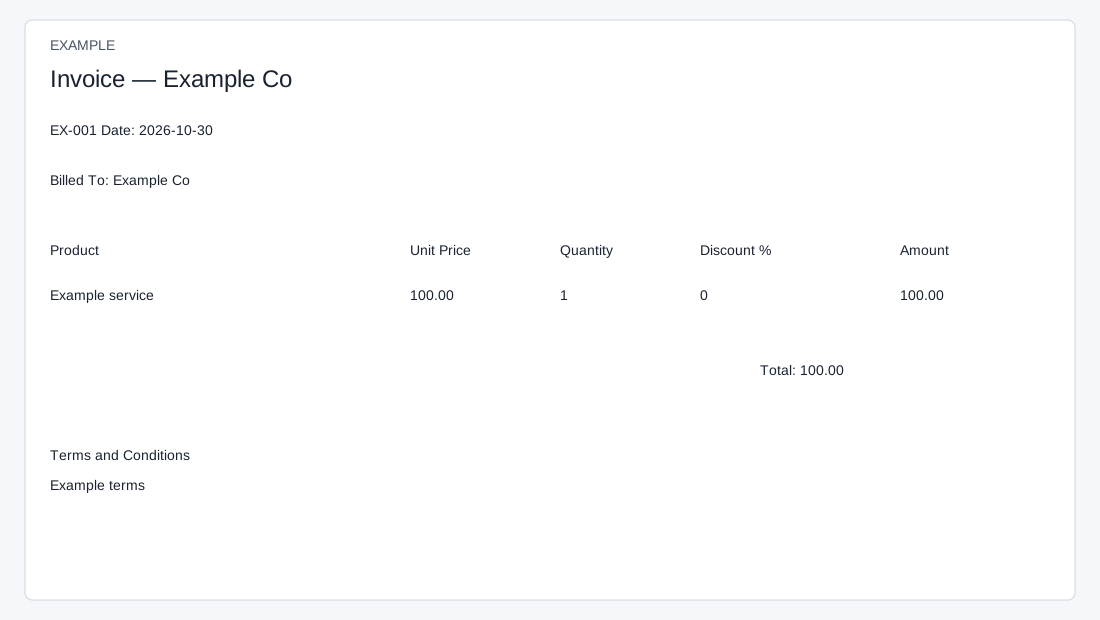
Open a saved quote or invoice and choose PDF to open an inline PDF in a new tab. Print opens the standard document view and invokes the browser print dialog; invoice POS print opens the compact receipt-style print view and invokes the same dialog. Cancel the browser dialog to avoid printing, or choose an available PDF destination. The standard view includes company and customer details, line items, taxes, totals and terms when available; POS uses a narrower layout. Output requires INVOICE access, the applicable quote/invoice creation permission and document ownership or broader permitted access as enforced by the destination; if access is denied, ask an administrator. Opening standard print, POS print or PDF renders a document and does not itself record a payment. PDF may include an optionally configured payment link; generating the link does not itself charge or settle anything.
Email a document
Email on the saved document creates a PDF and sends it to the contact’s stored email addresses. Opening or repeating the send link can send the document again. It is an immediate send action, not an email preview; check the addresses and document first. A PDF attachment and standard message are generated. The result reflects the final address processed, so a success or failure alone does not establish delivery to every address. Check delivery and recipient records before retrying to avoid duplicates. A missing contact or invalid document can prevent sending; with no stored email addresses the loop has no recipient or reliable send result.