Manage a customer subscription
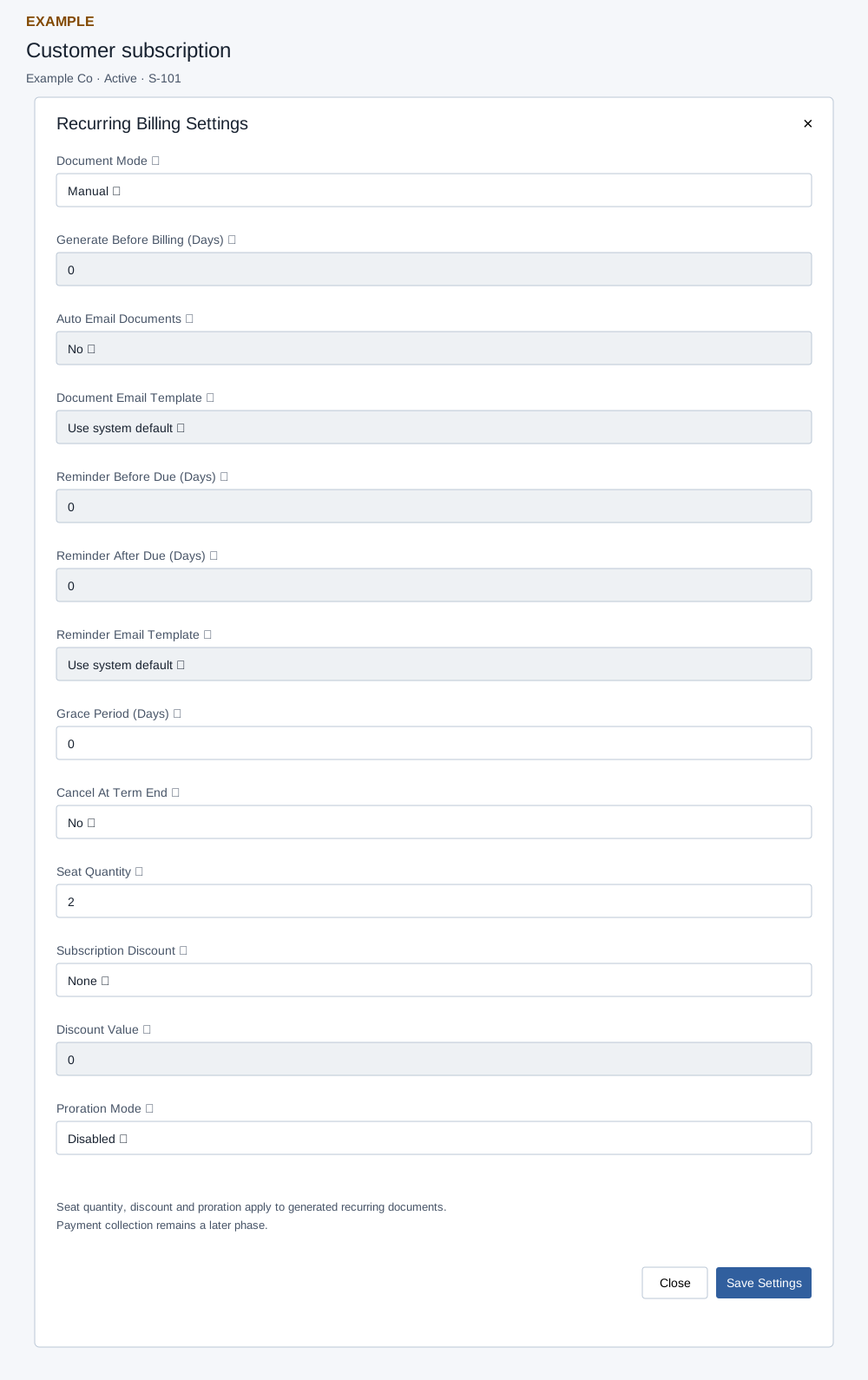
Use this workflow
Use the Edit subscription selector, select the subscription number, and open its customer subscription. Edit subscription is a selector using the same register as Subscriptions, not a separate editor; see subscription register filters and scope. The detail page checks CRM access and a valid contact; project recurrence controls require their separate configuration permission. Review term dates, items, Billing Ledger and Audit Trail before changing settings.
Choose a focused workflow: Billing Settings, pause, renew or cancel, or project recurrence and task rules.
Read the subscription and recover
The contact Subscriptions frame also opens this page. Subscription Items shows Product, Unit Price, Quantity, Discount and Amount; Billing Ledger shows Cycle, Period, Billing Date, Status, Document, Generated and Email Activity. Open a linked document to inspect it. Project Task Recurrence lists Project Binding, Schedule, Rules, Status and Action; Generated Project Tasks links tasks and shows Project / Stage, Run, Due / SLA and Status. Pricing Adjustments and Audit Trail provide additional evidence. The page loads at most 100 bindings and 100 generated project tasks, and project recurrence controls require the configuration permission; a loading exception also hides them.
Renew and Cancel invoke their CRM workflows after the service call even if the service returns an error; check the record and any workflow effects before retrying. A success or email activity in the ledger does not by itself establish recipient delivery. If a button returns an error, inspect the lifecycle, ledger and audit trail before repeating a potentially consequential action.