Invoices list
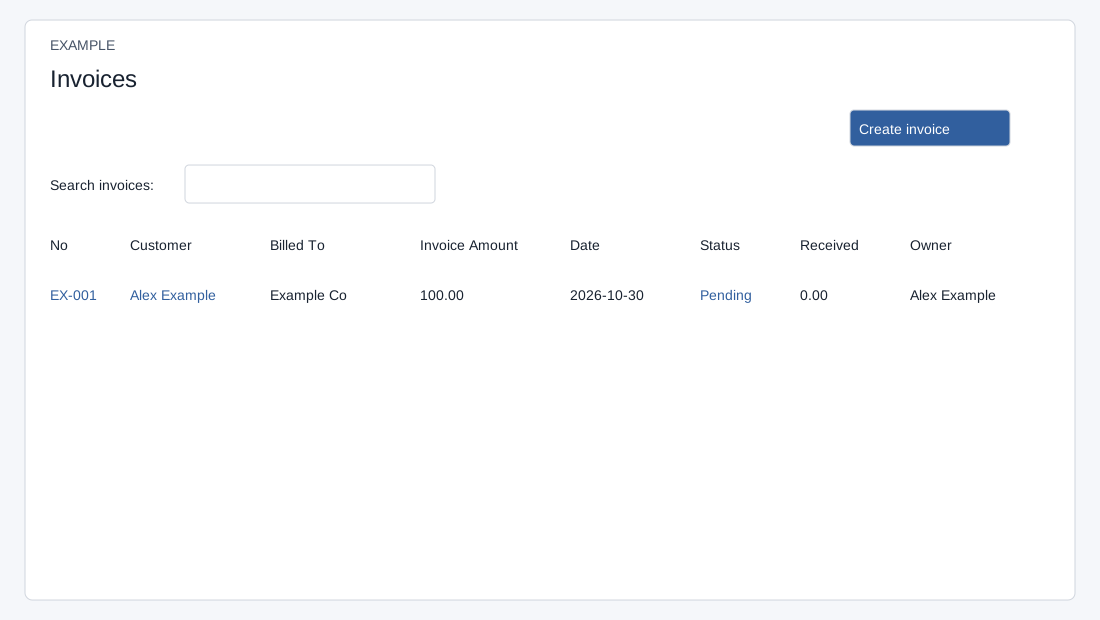
Open the page
Invoicing workspace → Invoices. INVOICE access is required.
Review invoices
- Review invoice number, Customer, Billed To, Invoice Amount, Date, Status, Received and Owner. Open a number to inspect its source invoice and payments.
- Use Settle invoice after the correct funds have been recorded in the customer ledger. Check the outstanding balance before applying any amount.
Search and limits
INVOICE app access is required. Without account context, administrators see company documents and other users see documents they own. The account view shows company documents for that account. The list loads up to 100 invoices; search, sorting, page size and pagination operate on loaded rows, initially sorted by Date descending. The customer link opens the contact in a new tab. The account-specific view filters by account; check context when a record is missing. Create opens the editor. For invoices, a Pending status link opens Settle invoice.