Due task notification
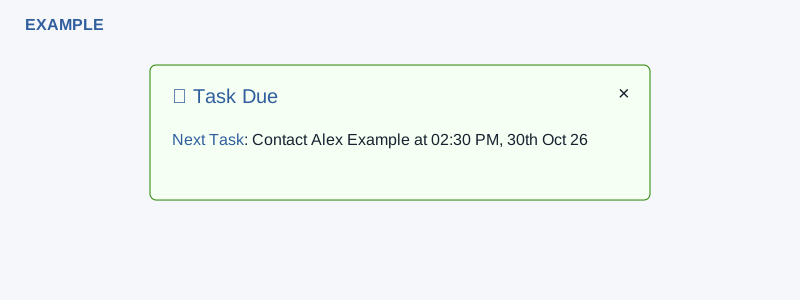
A floating Task Due notification points to a contact with a task due today.
Open the task or contact
- When the alert appears, read the contact and due time. Select Next Task to open the contact conversation, or Task Due to open the task list.
- Review and act on the task in the destination. Selecting the link or closing the alert does not itself complete the task.
- Select × to hide the alert. A later notification may display it again if the task remains eligible.
What it covers
The alert can show the earliest pending task assigned to you for today, including a task due later today. It is limited to one matching contact-linked task and does not include earlier overdue days. If no matching task is returned, the alert is hidden. Do not rely on a recurring popup as a complete task list. If it is missing, open Tasks and check owner, due date and completion status.