Custom telephony accounts
Availability depends on your account configuration and permissions.
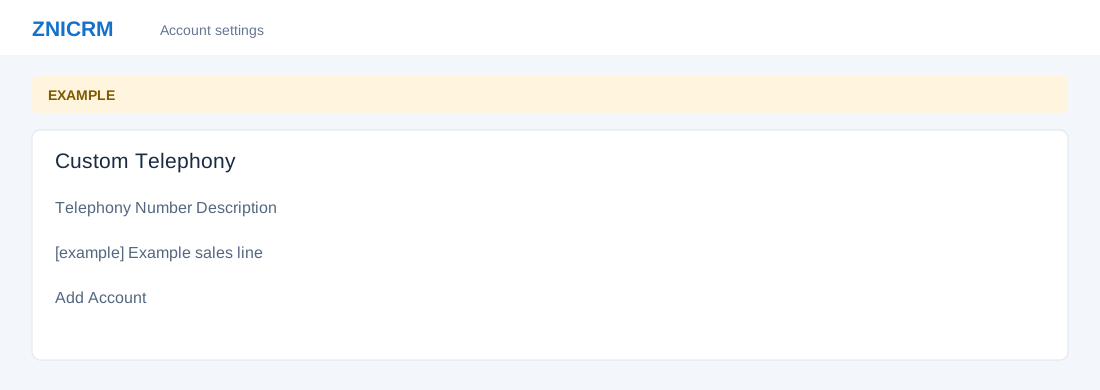
Open the page
Account Settings → Features Settings or Gateways → Telephony Custom. Administrator permissions may be required.
Add and review an account
- Review the Telephony Number, Description and Action columns. Choose Add Account, enter the telephony number and a description, then select Add Account.
- Example: describe a sales line without using a real telephone number. Review available row actions and their consequences before changing an existing account.