Incoming call popup
When a call notification reaches the workspace, the incoming-call card can help you open the caller’s contact or capture a new caller.
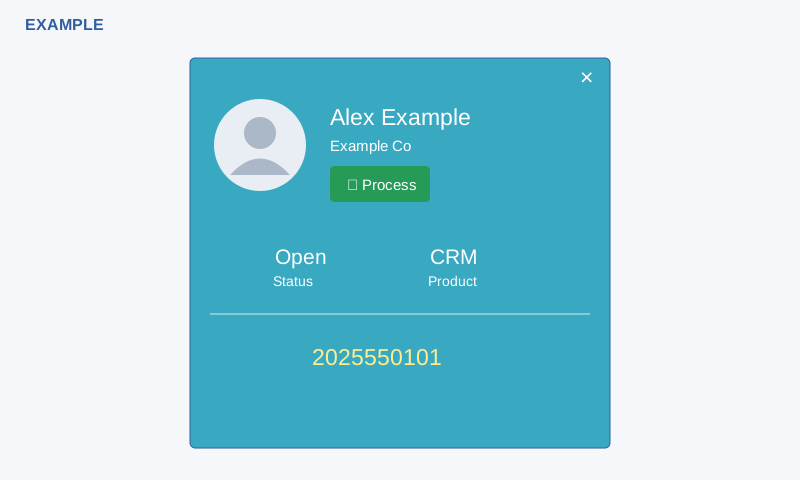
Process the call
- When the card appears, check its caller, company, status, product and incoming number. An unmatched caller is labelled New Caller; associated details may be absent.
- Select Process. For a matched contact, the page opens that contact’s conversation. For a new caller, it requests contact creation from the displayed number, then opens the contact if the response is a positive ID.
- Check the resulting contact and call entry before adding details or following up. For a support-department user, the system also attempts to create an open support ticket. Contact creation can reuse or create an account, and records an incoming call and invokes lead assignment.
Dismissal and recovery
The × dismisses the card; the notification-driven card is also hidden after 45 seconds. The card appears in response to an incoming-call notification; it does not periodically refresh on its own. If the new-caller number is too short, the button can remain disabled. Failure responses can re-enable it without a reliable explanatory message. Check Contacts and, for support users, Helpdesk before retrying: contact, phone profile, conversation, assignment and ticket operations are separate and the returned contact ID does not confirm every step succeeded. A duplicate or plan limit can also prevent creation.
See Telephony and contact workspace.