SMS sender IDs
Availability depends on your account configuration and permissions.
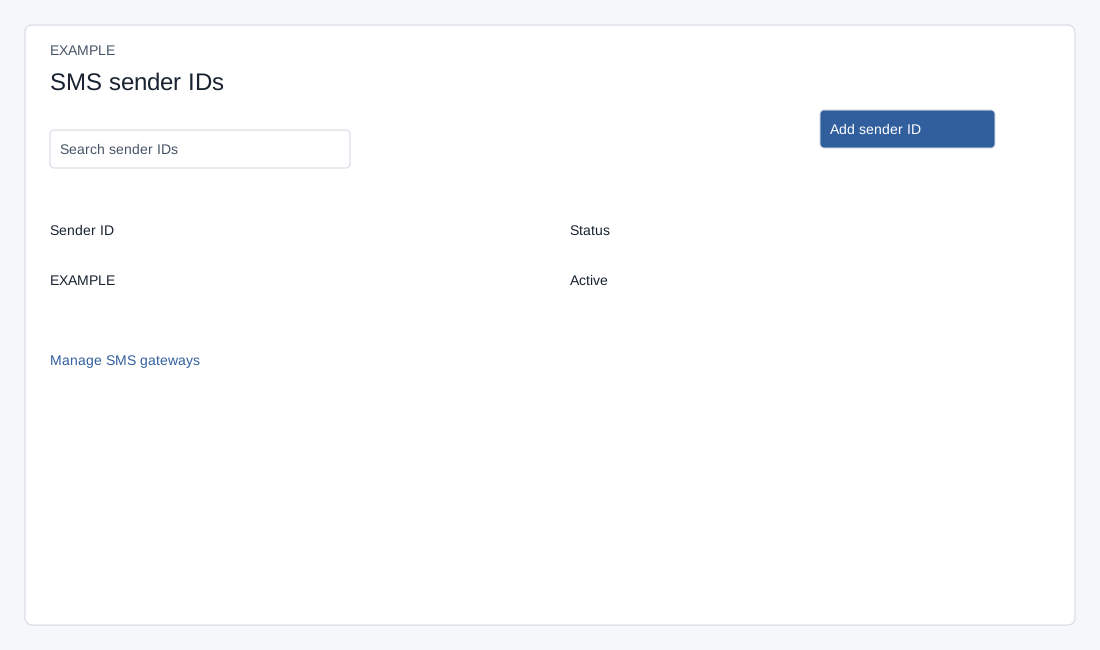
Open the page
Account Settings → Features Settings → SMS. ADMIN role is required.
Add and review sender IDs
The list loads up to 100 sender IDs and shows Active or Pending. Search and table controls apply to loaded rows. On success the page reloads and the sender ID is active, with its characters normalized to uppercase. That local status does not establish external provider approval. Duplicate IDs are rejected. Cancel or × closes the dialog without saving.
- Search sender IDs and review Sender ID and Status. Choose Add sender ID, enter a value of 3–15 characters, and choose Add sender ID. Sender IDs are subject to provider approval and local format requirements.
- The page links to Manage SMS gateways for provider setup. Sender IDs such as MYBRAND require the provider’s approval.
Template dialog limitation
The page contains an Add template text dialog requiring at least 100 characters but exposes no visible control to open it. The dialog does not reliably confirm provider submission. Do not assume this is an available provider approval workflow. The SMS composer has no template or DLT selector.