Email campaign details
Availability depends on your account configuration and permissions.
Open the page
Email → Campaigns → select campaign name. See the access requirements below.
Review the record
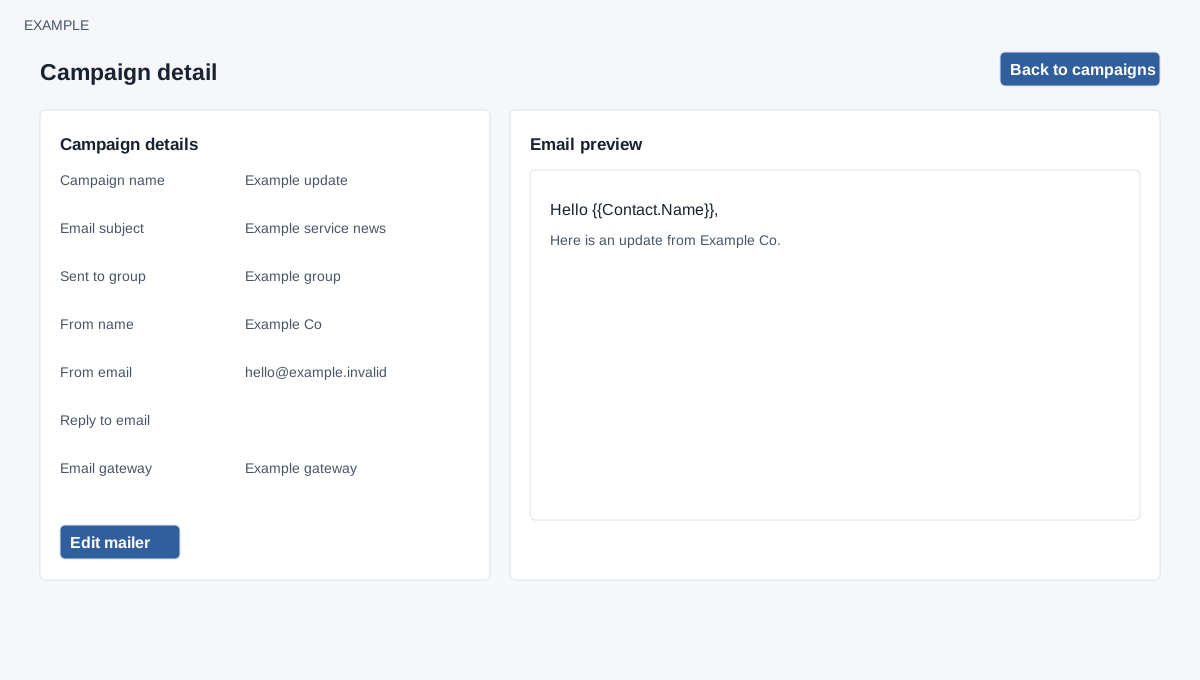
- Inspect the saved campaign name, subject, recipient group, sender name and address, reply-to address, and gateway, followed by the Email preview. These describe the saved campaign rather than a new message.
- For a draft, use Edit mailer when available to return to its composer. Back to campaigns returns to the register. Review any changes before saving or scheduling.
- Example: the sender [email protected] and the Newsletter group identify a sample update; they are not actual account details.
Preview and editing
EMAIL access and allow email are required. The preview is a sandboxed rendering of saved content, without a per-recipient substitution preview. Back to campaigns returns to the register; Edit mailer is displayed for a valid record, but actual update is accepted only while the campaign remains a draft and composer access is available. An invalid record displays an error. This page has no recipient list, click tracking or unsubscribe report. Although no send button is shown here, its ac=send URL invokes scheduling; do not open or repeat that action URL to inspect a campaign.