Helpdesk knowledge base
Availability depends on your access and configuration.
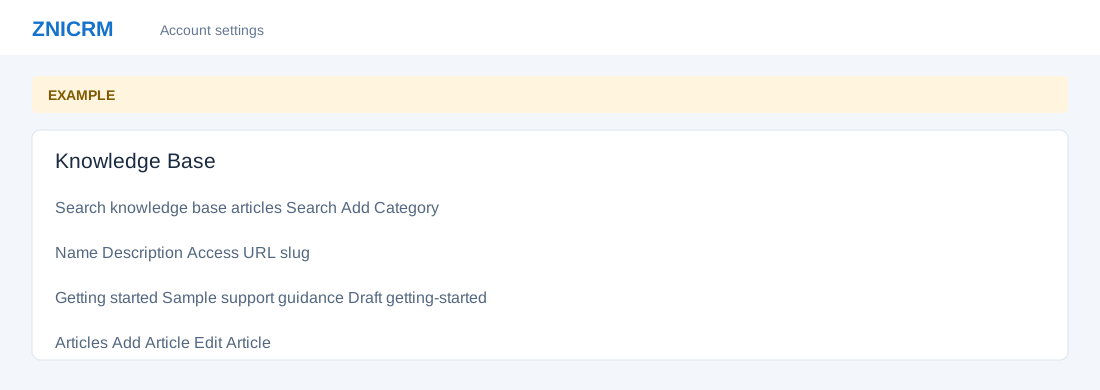
Open the page
Helpdesk → Knowledge Base. Administrator permissions may be required.
Find an article
- Enter words in Search knowledge base articles and select Search; Clear search removes the search view. Browse Categories by Name, Description, Access and URL slug, then open a category to see Article, Author and Created.
- Open an article to read it and return via Back to articles or its category link. Helpful and Not Helpful submit feedback when available; they are recorded actions.
Create or edit content
- Administrators can choose Add Category, enter Name and Description, select Public, Private or Draft access, and choose Add Category. In a category choose Add Article, enter Article Name, choose Access Type (Public, Private or Draft), write Article and select Save Article. An article can provide Edit Article for an administrator.
- Review both category and article access before publishing and check account configuration for how each visibility setting is enforced. Example: create a draft article “Troubleshoot sign-in” for review before wider use.