Knowledge base category articles
Account access and enabled features affect availability.
Browse a category
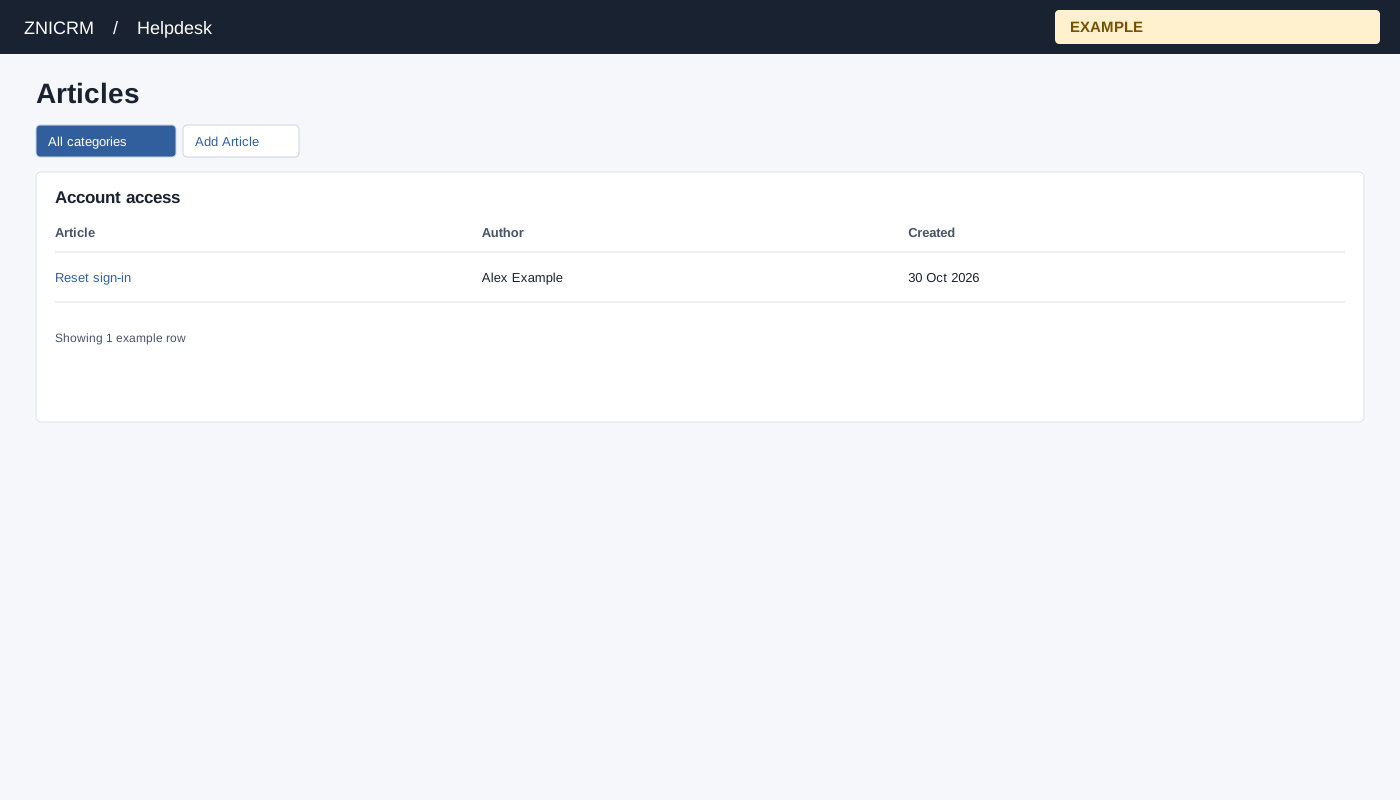
Open Helpdesk → Knowledge Base and choose a category name. Helpdesk access is required. The Articles table shows Article, Author and Created. Select an article title to read it; All categories returns to the category list. An ADMIN sees Add Article, which opens the editor for this category.
Example and verification
Open a Account access category to find sign-in instructions. If the expected article is absent, confirm the category and access settings, or search from All categories. After saving an article, return here and verify its title and author appear.