Launch CRM onboarding
Availability depends on your account configuration and permissions.
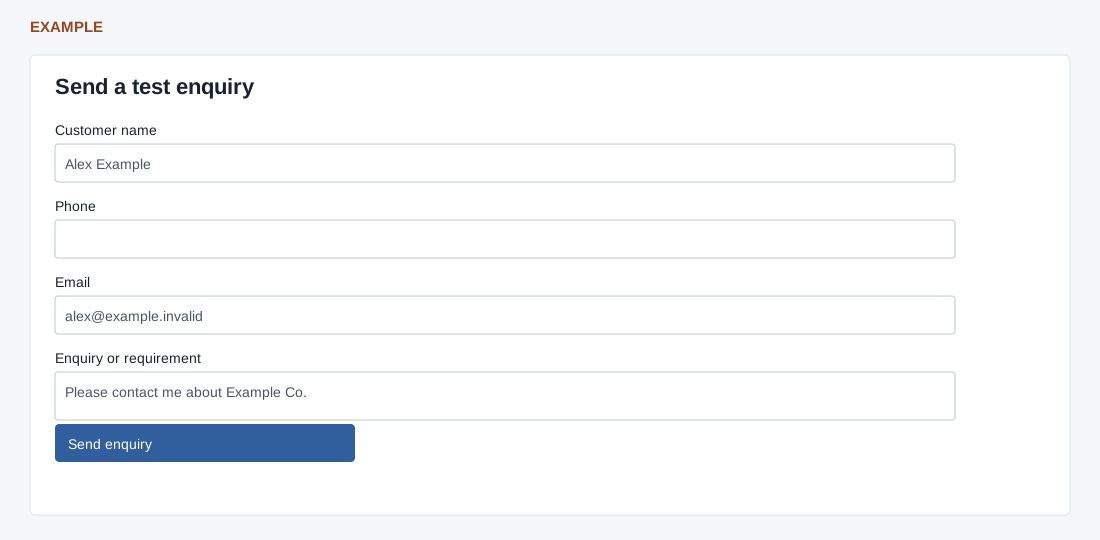
After eligible sign-in, the dashboard may open Welcome to ZNICRM. Use these separate guides for each step:
- Recognize: review company details
- Prepare: review and apply the suggested CRM setup
- Live enquiry: create a test and submit an enquiry
- Follow up: review the lead and schedule a task
The setup and test can create or update real CRM records. Each guide explains its effects and verification.