Review prepared CRM setup
Review and apply
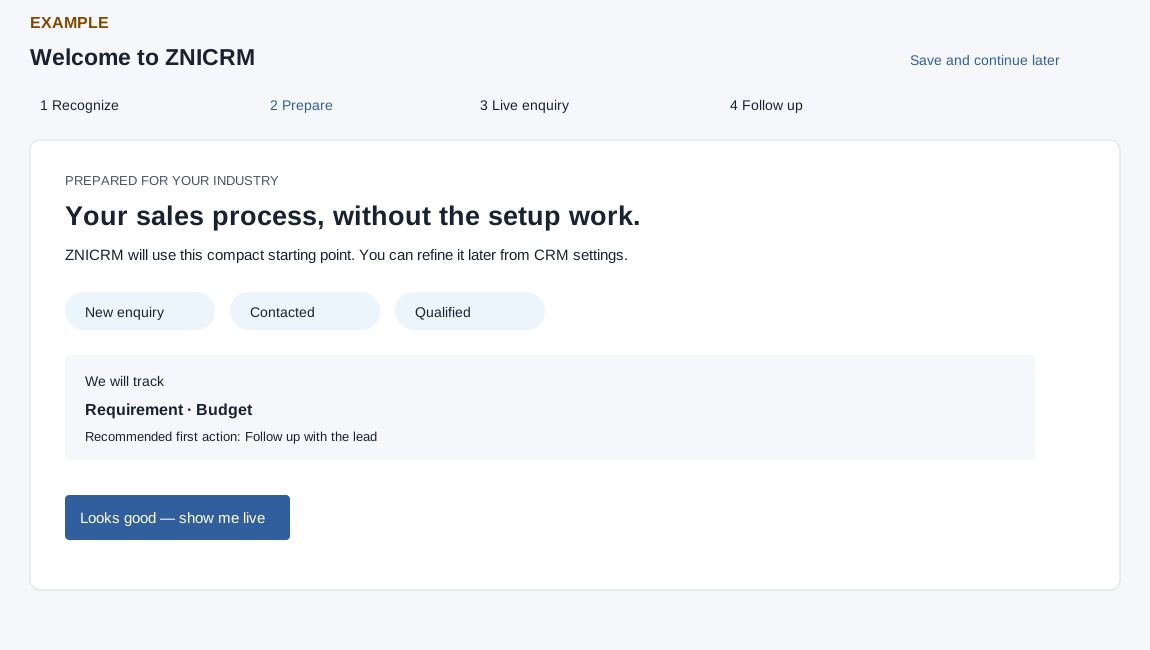
- On Prepare, review the suggested sales stages, the fields under We will track and the Recommended first action. Suggestions depend on the industry pack and can be refined later in CRM settings.
- Select Looks good — show me live to apply the setup and continue to Live enquiry. The operation reuses matching stages and fields, creates missing lead stages and text fields, and ensures the onboarding lead source. These changes affect the real company.
- If an error appears, check the stages and fields in CRM settings before retrying; setup may have made changes before the error. Save and continue later returns to the dashboard.
For Example Co, compare the proposed stages with its existing process before applying them, then verify the resulting stages and fields in CRM settings.