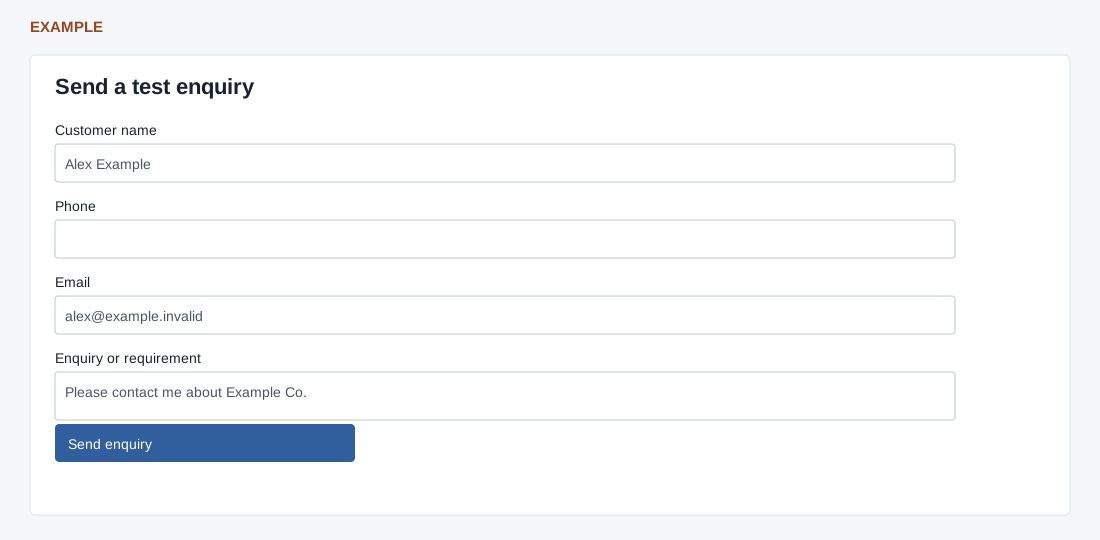
From Launch CRM → Live enquiry, choose Create my live test. The 15-minute link and QR open the form; the embedded form is the same test.
Enter Customer name and enquiry, and provide a valid email or 7–15 phone digits. Send enquiry creates or reuses a real contact and records the enquiry as Onboarding Live Test; it does not automatically send a message.
Check the CRM lead before retrying a failed submission. Check again restarts polling, which pauses automatically after 90 seconds. If the link expires, create a fresh test.