Review your company
Review your company
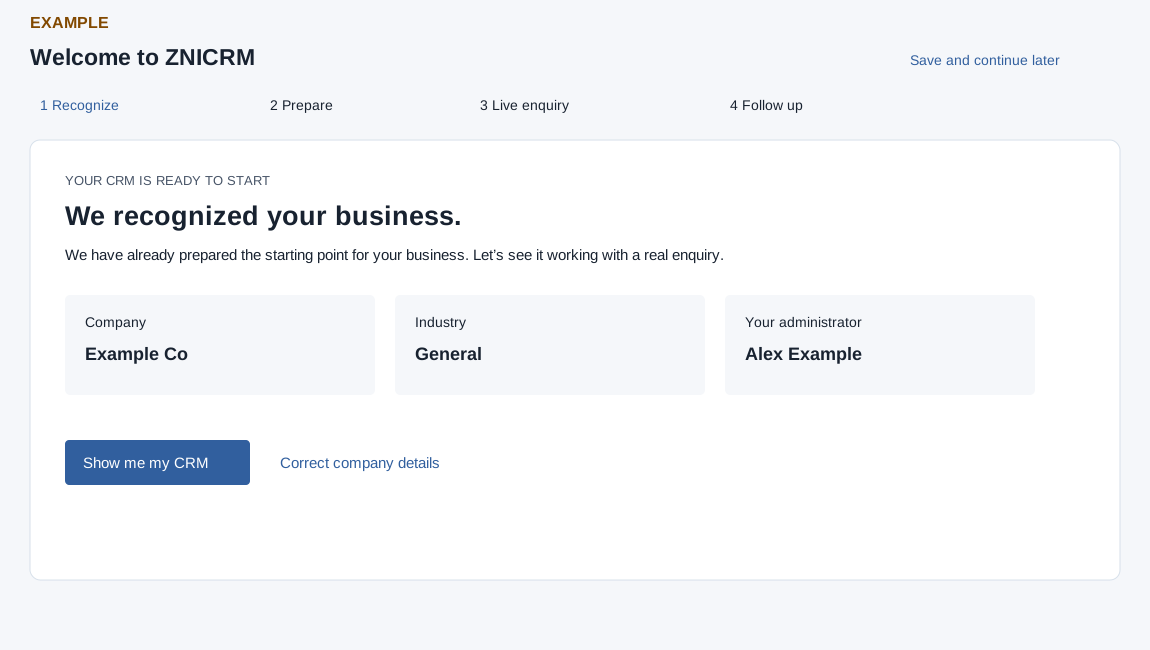
- When Welcome to ZNICRM opens, review the Recognize step. The cards show Company, Industry and Your administrator. Industry falls back to General and the administrator name to Administrator when not supplied.
- If the company details need correction, select Correct company details to open Company Settings. Return to onboarding after reviewing the settings.
- Select Show me my CRM to advance to the prepared setup. Save and continue later returns to the dashboard; it does not apply the prepared setup.
For Example Co, confirm the company and industry before applying the suggested sales stages. If the values are unexpected, check Company Settings first.