Email and SMS gateway tests
Check configuration or send a test using either a setup form or an existing gateway.
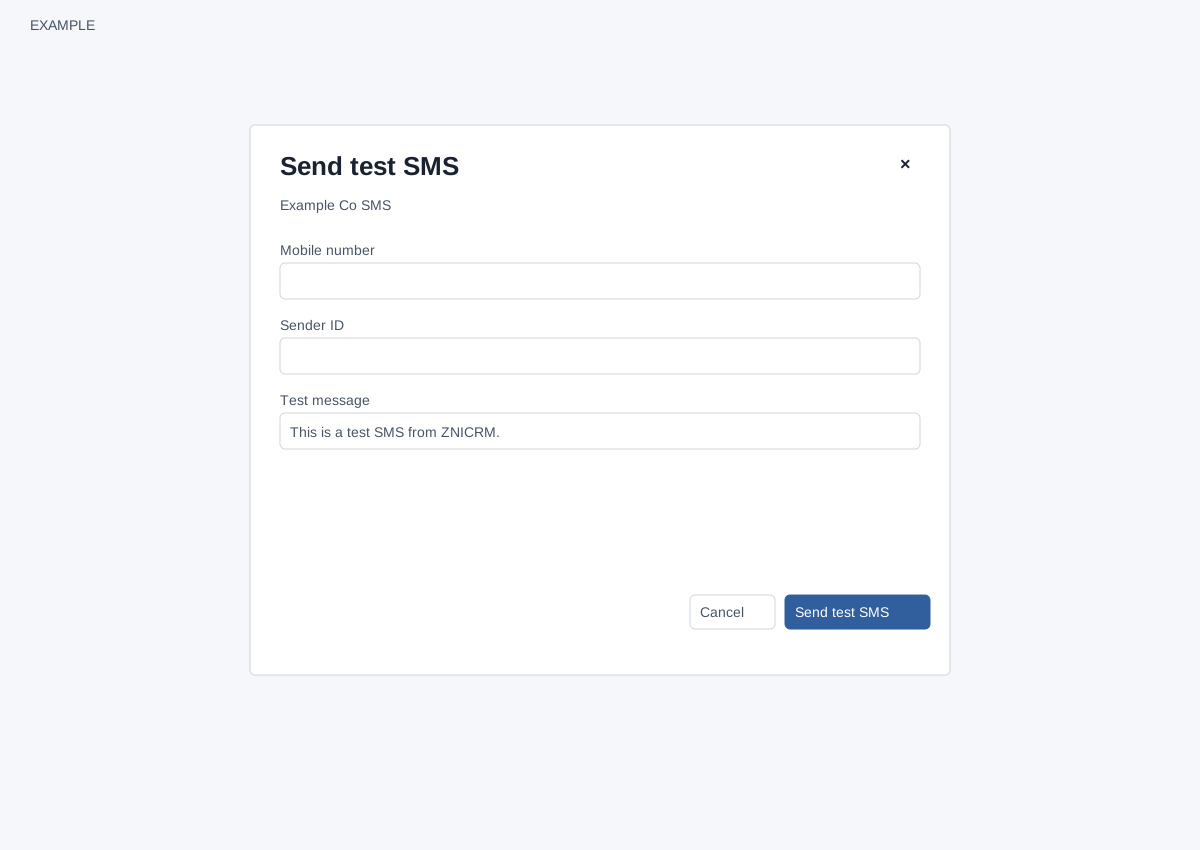
Run a check or test
Administrators can use Check connection or Check configuration on the corresponding add/edit form, or Send test email/SMS on a saved gateway row. Saved-row tests use saved settings; form tests use the current entries, with unchanged saved secrets retained under the edit rules. Checks and sends do not save settings or change the primary gateway. Email connection check authenticates against SMTP; sending a test requires valid From and recipient addresses. SMS configuration check validates the request, while sending requires recipient, sender and message and contacts the provider. Test sending can have external side effects and charges.
Read the result and recover
SMTP accepted means the server accepted the test, not that the inbox received it. An SMS HTTP 2xx response means the provider responded, not that the phone received it. Redirects are not followed. Verify email inbox/spam or the SMS phone and provider logs. Diagnostics require a publicly resolvable destination; when TLS is used, its certificate and hostname must validate. HTTP SMS endpoints do not use TLS. Correct the reported field, provider URL, credentials or sender and retry; refresh if asked for a security token or sign in again. When a request times out, the outcome may be unknown: inspect the provider or gateway before retrying to avoid duplicate tests. A saved gateway that is no longer available requires a refreshed list. The list exposes a test button for Gmail API rows, but this SMTP diagnostic is not a Gmail API test; verify that integration through Gmail instead.
There is no separate gateway health dashboard or sync action on these email and SMS screens. Webhooks have a separate diagnostic workflow.