Older embedded gallery picker
The older Gallery picker can pass an image selection to the page that opened it. The older gallery may be available within supported pages, depending on your account.
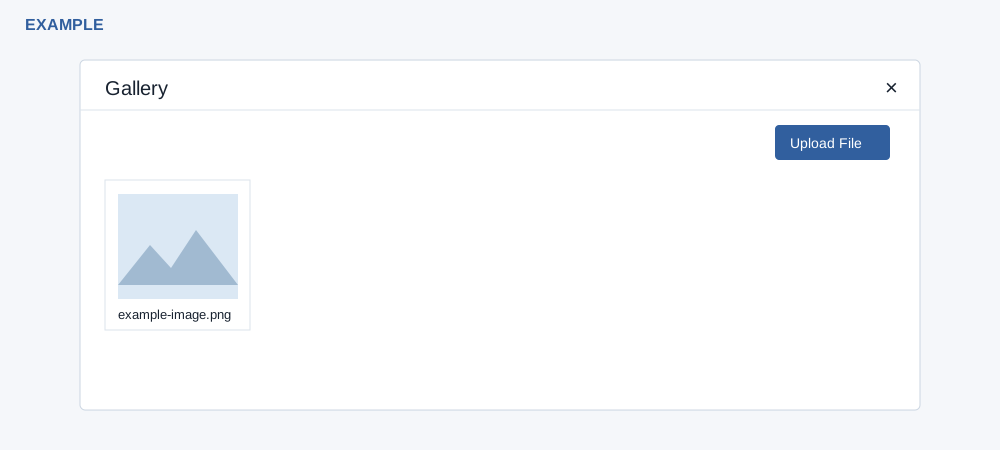
Select an image
- Where an older page offers its Gallery control, open it and inspect the image tiles. The picker requests the latest 20 eligible PNG, JPG and GIF files for the signed-in user and company; incoming WhatsApp media is excluded. The requested type does not change which files appear.
- Select an image tile to send its URL to the parent page. The picker must be opened from a supported page to return a selection. Some older Engage screens save the selected image and close the dialog only after success. Confirm the destination's preview or saved result.
- Use × on the parent Gallery dialog to close it. To add a file, choose Upload File and follow the older upload view; return using Show Gallery.
The tile carries a clipboard-text attribute, but the picker click sends a selection message; it does not itself establish a clipboard copy. If no selection appears, check the parent page, supported origin and image format, or use the current File Manager.