Older gallery upload
The older Gallery upload view adds files through a drag-and-drop area.
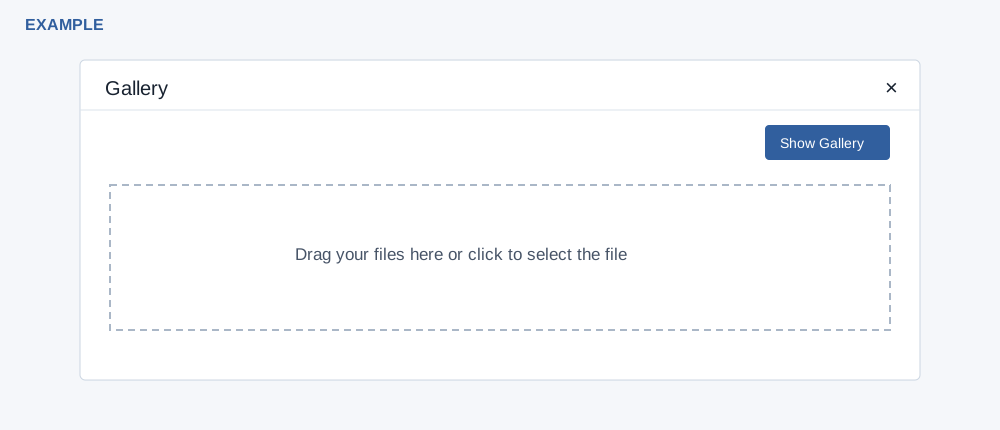
Upload and return
- In the older gallery choose Upload File. Drag files onto the area or click it to select them. The browser control allows up to ten files and accepts CSV, images, PDF and audio MIME types.
- Review each upload result, then select Show Gallery to return and select an eligible image. Uploading does not itself select it for the parent page.
- Check the resulting gallery and destination. The picker lists only PNG, JPG and GIF; an accepted upload such as JPEG or PDF may therefore not appear there.
Limits and failures
Uploads accept only mp3, mp4, png, gif, jpeg, jpg, csv, doc, pdf, docx, xls and xlsx extensions, subject to browser restrictions. The invalid-type message says CSV only even though the browser accepts other types. Uploads can fail because of an invalid extension or a storage error. If the upload reports a size or storage limit, reduce the file size or contact your administrator. If a file is missing, check type, signed-in user, upload result and the File Manager; retry only after checking whether it was already stored.