Dialer administration overview
Review visible dialer queue activity and open administration settings.
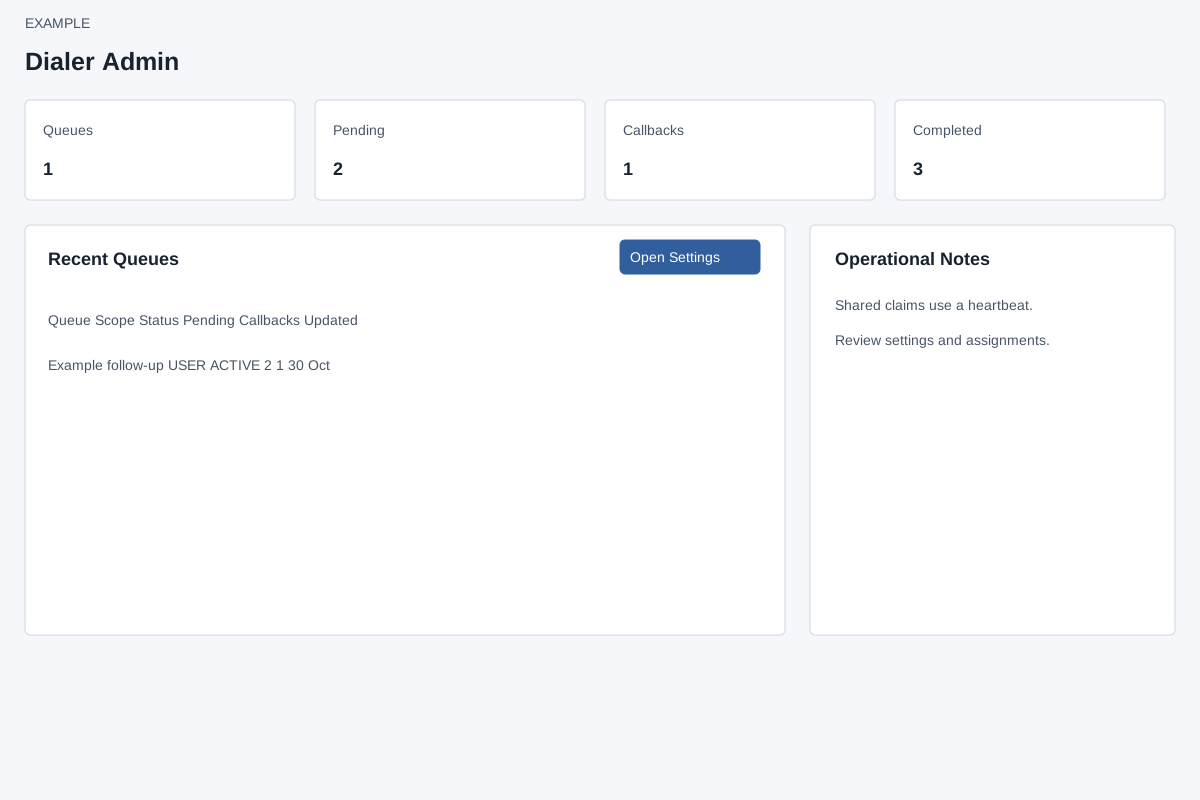
Read and navigate
Account Settings → Features Settings → Dialer requires ADMIN and the Dialer app. The overview requests up to 200 visible queue headers, displays up to 12 recent rows, then sums their Pending, Callbacks and Completed counts; these are not an unrestricted company-wide census. Recent Queues shows Queue, Scope, Status, Pending, Callbacks and Updated. Open Settings opens the disposition and script editor; Notes opens the sidebar. No queue edit or call action appears in this overview. If the table cannot load, check access and refresh; see settings and queue visibility.