Checklist list
Create and manage the checklists used in CRM work.
Create
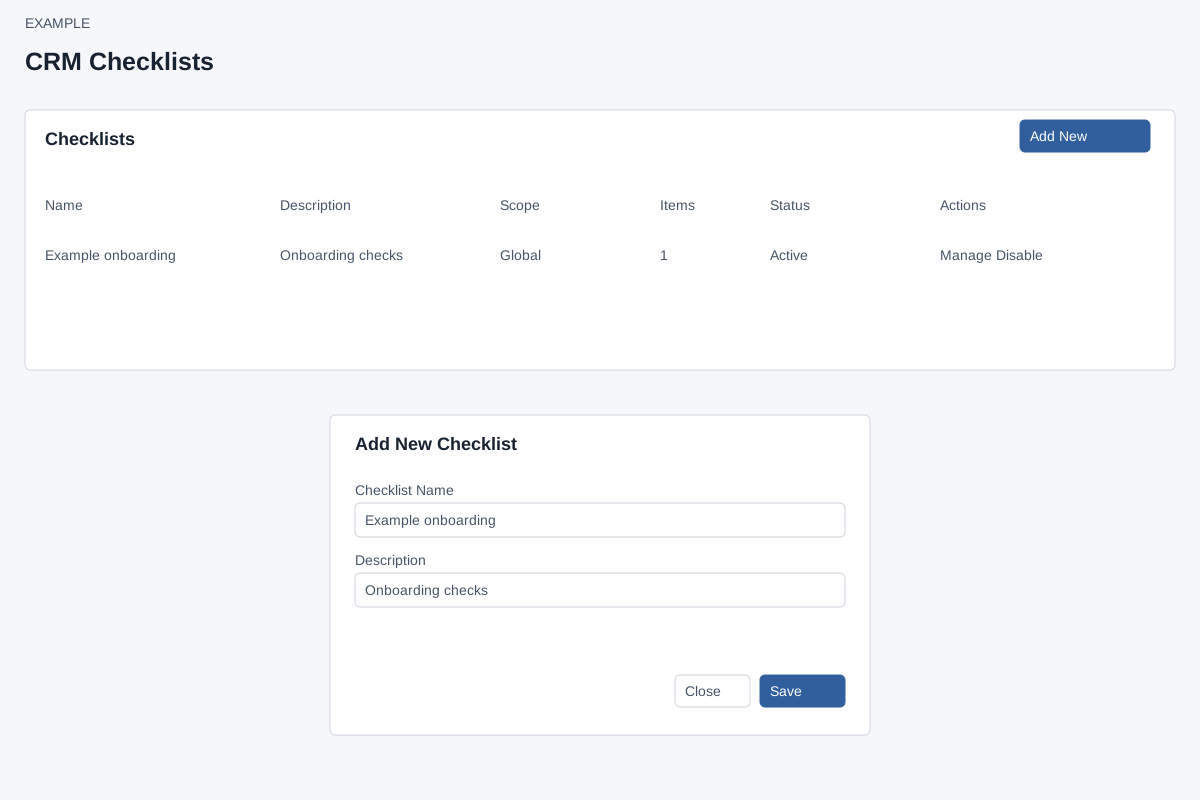
Account Settings → Features Settings → Checklists requires ADMIN and Checklist access. Add New opens a dialog with required Checklist Name and optional Description. Save creates an active checklist and opens Manage; Close or × dismisses the dialog. If the name is missing, enter it and retry.
Review and manage
The table shows Name, Description, Scope (Global or counts of departments and customer types), Items, Status and actions. Manage opens the checklist's details, scope and items. Enable/Disable changes status immediately and reloads the page; it also queues a checklist refresh. This list has no search, delete or clone control. Notes opens the sidebar. If a status action fails, review the message and reload to verify before retrying.