Older plan confirmation
This older billing screen may be available depending on your account and its terms.
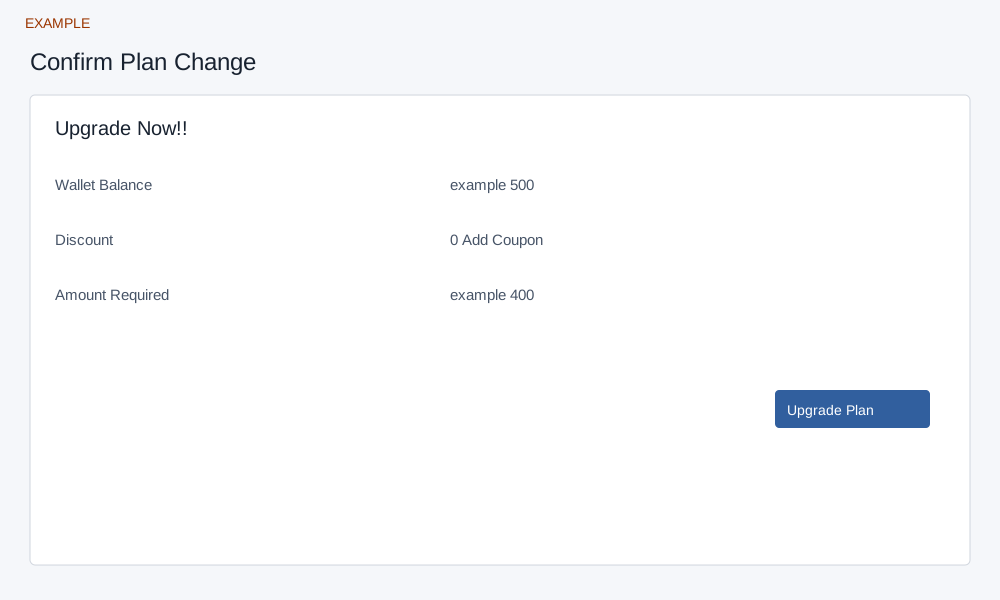
Review the quote
These confirmation pages accept a plan selection and license quantity and require administrator access. The older USD page checks the company billing currency; the India variant validates the plan change. If the selection or quote is invalid, return to Compare plans and review the available plan.
For a non-subscription plan, review plan amount, wallet balance, discount and required amount. Add Coupon opens a coupon prompt; check its result and the recalculated amount. If funds are short, Add Funds opens wallet funding; otherwise Upgrade Plan requests confirmation and submits the change. Review actual currency, term and wallet debit before confirming.
Recurring plans
A subscription plan uses the recurring review with plan, term, quantity, subtotal, tax and total. Continue to Central Billing starts the subscription request; a conflicting request can offer management or cancellation of a stale request. The prepared form is not itself a completed purchase. Verify the current plan and payment status before retrying an uncertain result. Example: Example Co reviews the live five-license quote before choosing whether to continue.