Wallet and subscription payment status
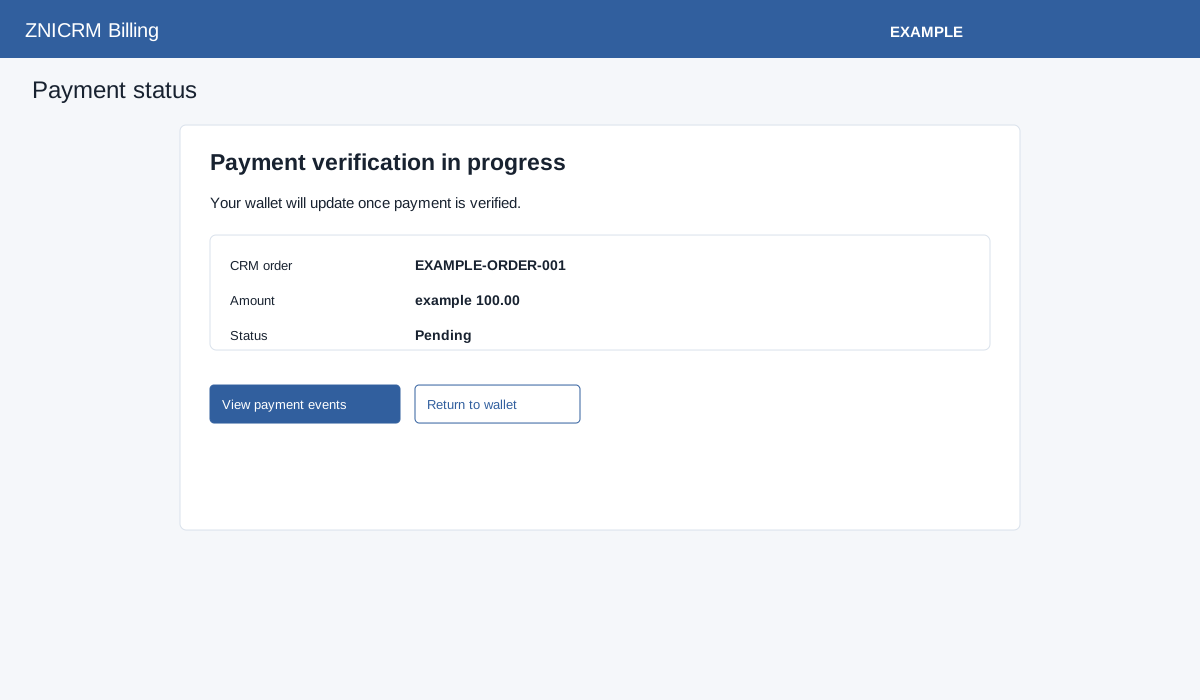
The newer status views and the older gateway responses differ: some older responses process payments rather than merely display status; see older handoffs. After checkout returns, the wallet payment status screen distinguishes Payment verification in progress, Wallet payment completed, Funds added; action under review, Payment cancelled, Payment requires review, No wallet payment found and Status unavailable. Pending status is checked periodically, with at most 20 wallet status requests or 40 subscription status requests on this page; a failed or unsuccessful response may stop or exhaust polling. Reload or use the available navigation to inspect the latest status if it remains pending. A completed payment and a completed plan action are distinct: inspect the shown CRM result and Billing overview before assuming both finished.
For recurring subscriptions, the preparation page waits for an authorization URL and opens the provider when available. Subscription return shows Payment verification in progress, Subscription payment applied, Subscription needs attention or Status unavailable. A verified applied subscription payment is added to the CRM wallet and the plan purchase flow completed. The subscription return offers View billing overview and Manage current plan; the wallet return offers View payment events and Return to wallet. Use them to verify the result. If processing does not finish or needs attention, open Payment events and provide the reference to support; avoid starting a duplicate payment while the existing one is unresolved.