Sign in from Android
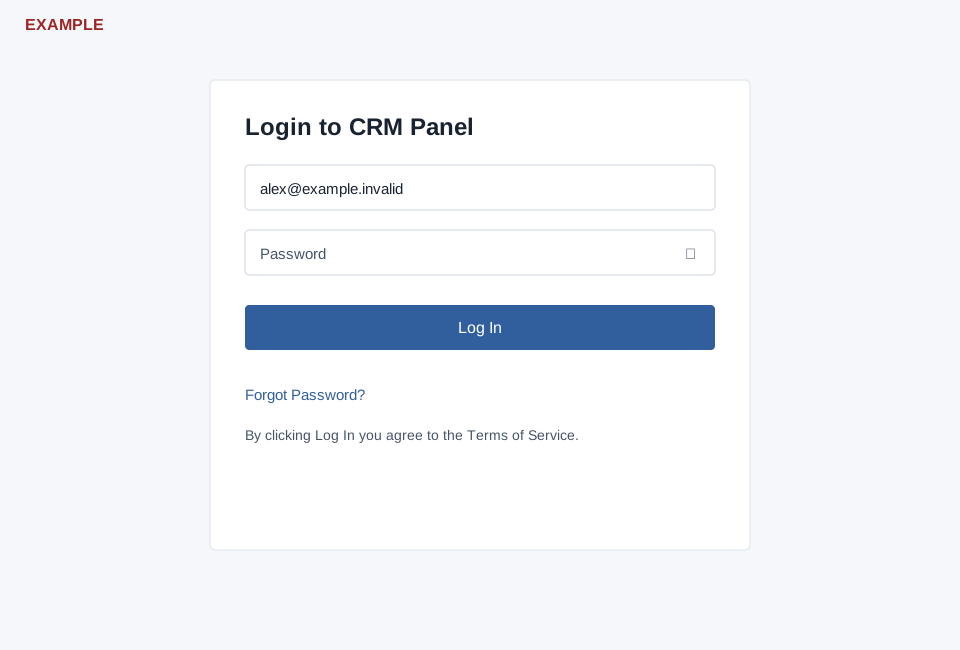
Open sign-in from the Android app so it supplies the device ID. Enter Username and Password, use the eye control to show or hide the password if needed, and select Log In. Both values are required; the system rejects a password longer than 20 characters. The page states that selecting Log In agrees to the linked Terms. Forgot Password? opens the recovery flow.
After successful authentication started from the Android app, the page attempts to return you to the app. A successful authentication without that origin does not establish the app return. If Device ID is required appears, reopen from the app; for credential errors, read the message or use recovery. Verify the app opens the expected account.