Sign in to ZNICRM
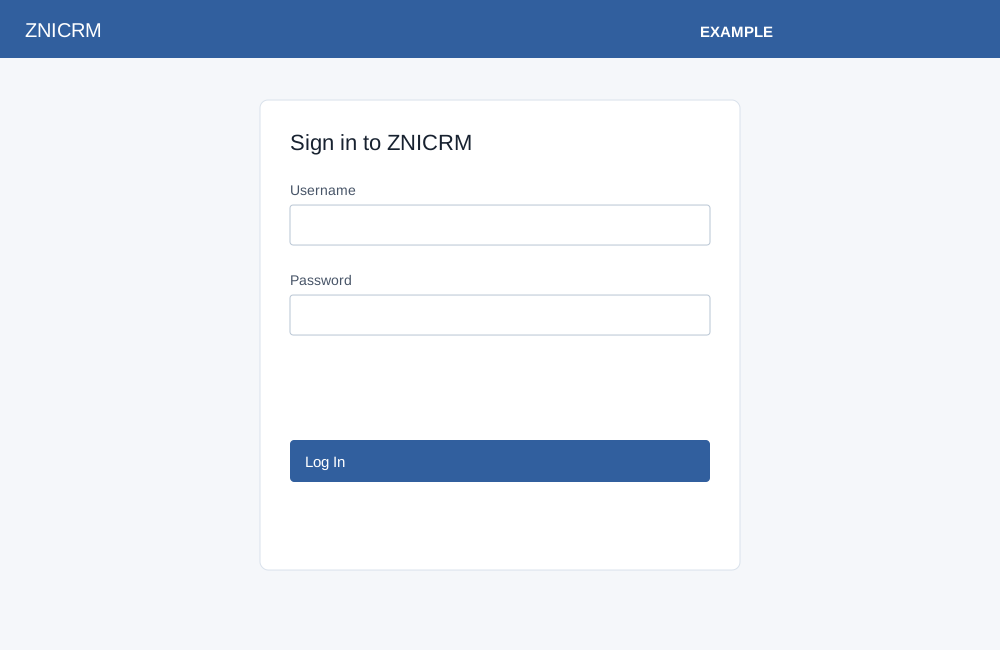
On the sign-in page enter the required Username and Password, then select Log In. The eye control reveals or hides the password; the system rejects passwords longer than 20 characters. Complete the anti-robot verification if prompted. A successful login opens the appropriate dashboard or permitted landing page; an existing session may redirect immediately. Sign Up opens registration and Forgot Password? opens recovery. If login fails, check the displayed message and credentials or contact your administrator.
Android sign-in requires a device ID supplied by the app. Its successful custom-URI return is conditional on the app origin; if the device ID is missing, reopen sign-in from the app. The form offers the same password visibility and recovery link, but no Sign Up link in the form.