Recover a password
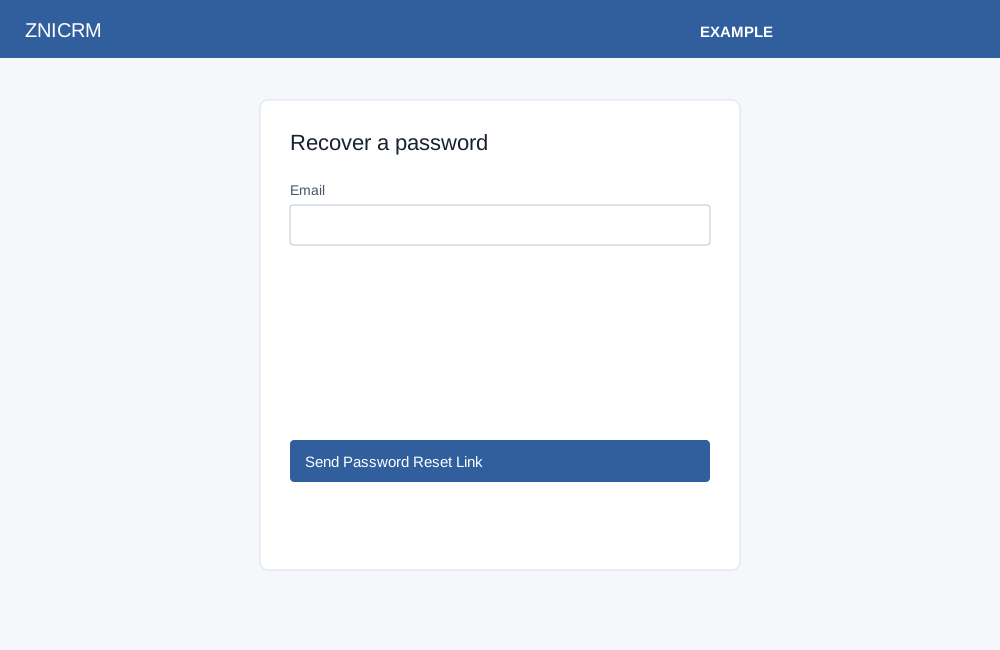
On the standard sign-in page select Forgot Password?. Enter the account Email, complete the anti-robot check, and select Send Password Reset Link. The page reports whether validation email was requested. Open the validation link received by email; the confirmation page states that a new password was sent to the email address. Return via Sign In and use that password to log in.
If validation fails or the link is no longer usable, read the message and request another link. If email does not arrive, check the address and contact your administrator or support. The recovery action attempts to send email; its displayed success does not independently verify delivery. Opening a valid confirmation link invokes password reset immediately and attempts to send the new password, so do not open it just to preview the page.