Travel reports
In the Travel sidebar, select Reports.
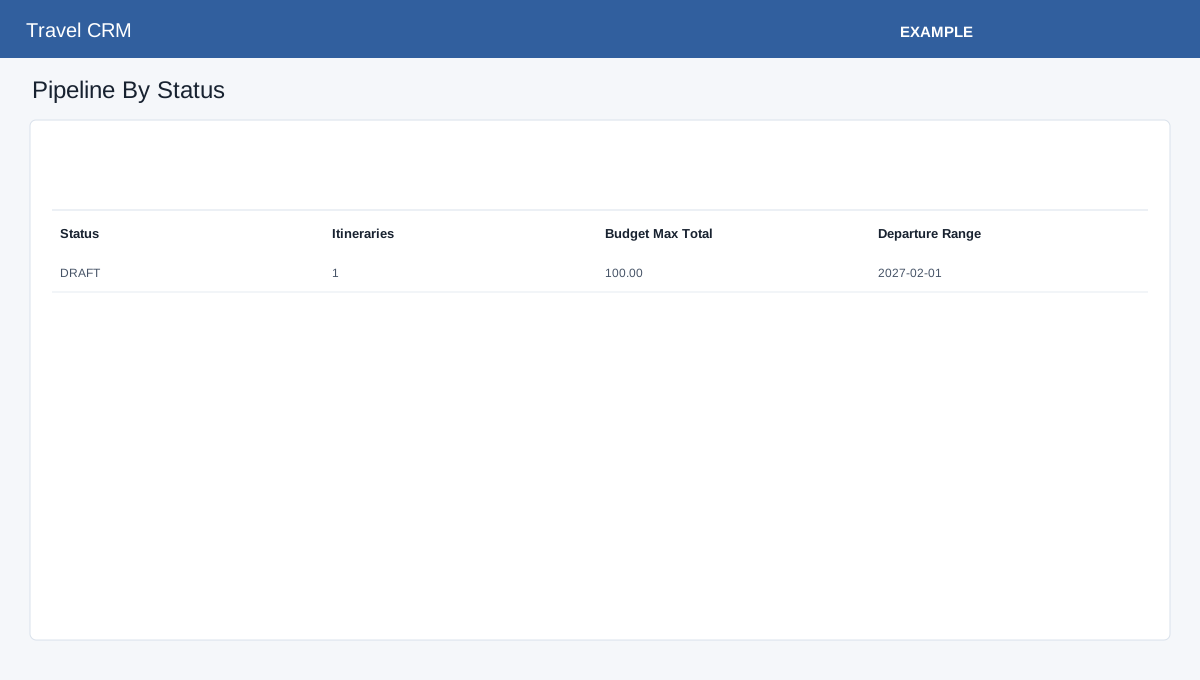
Open Travel CRM → Reports. Foundation storage is required. Pipeline By Status lists itinerary counts, total budget maximum and departure range. Agent Activity shows itinerary, approved, booked and upcoming counts. Upcoming Departures links to itineraries; Product Performance, Aggregator Usage (last 30 days), Live Flight Monitoring (next 30 days), and Travel AI Usage (last 30 days) provide additional views. Advanced storage enables manifest, readiness, case, payable, commission and follow-up summary cards. Aggregator and AI report sections have their own storage prerequisites. Investigate the underlying itinerary or operational record to understand a figure; ask an administrator to resolve storage warnings.