Travel departure calendar
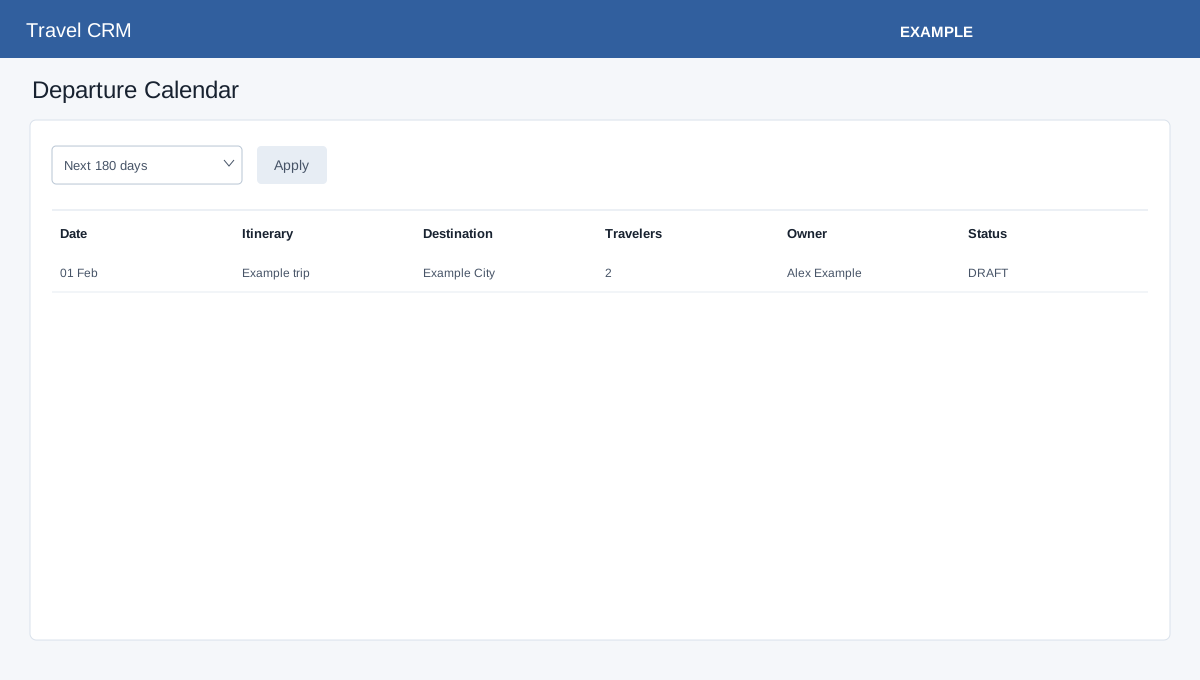
In the Travel sidebar, select Calendar.
Open Travel CRM → Calendar. Travel access and foundation storage are required. In Departure Calendar choose Next 90 days, Next 180 days or Next 365 days and select Apply. The page loads at most 300 records with start dates from today through the selected end date, inclusive, regardless of trip status. Departures are grouped by month and show date, title, destination, travel dates, traveler count, owner and status. Select the itinerary title to open its builder. If no departures appear, check the selected window and itinerary start dates; a storage warning requires an administrator.
If loading or saving fails, ask an administrator to check the deployment; do not assume a blank result establishes that no records exist.