Partner levels and terms
Availability depends on your account configuration and permissions.
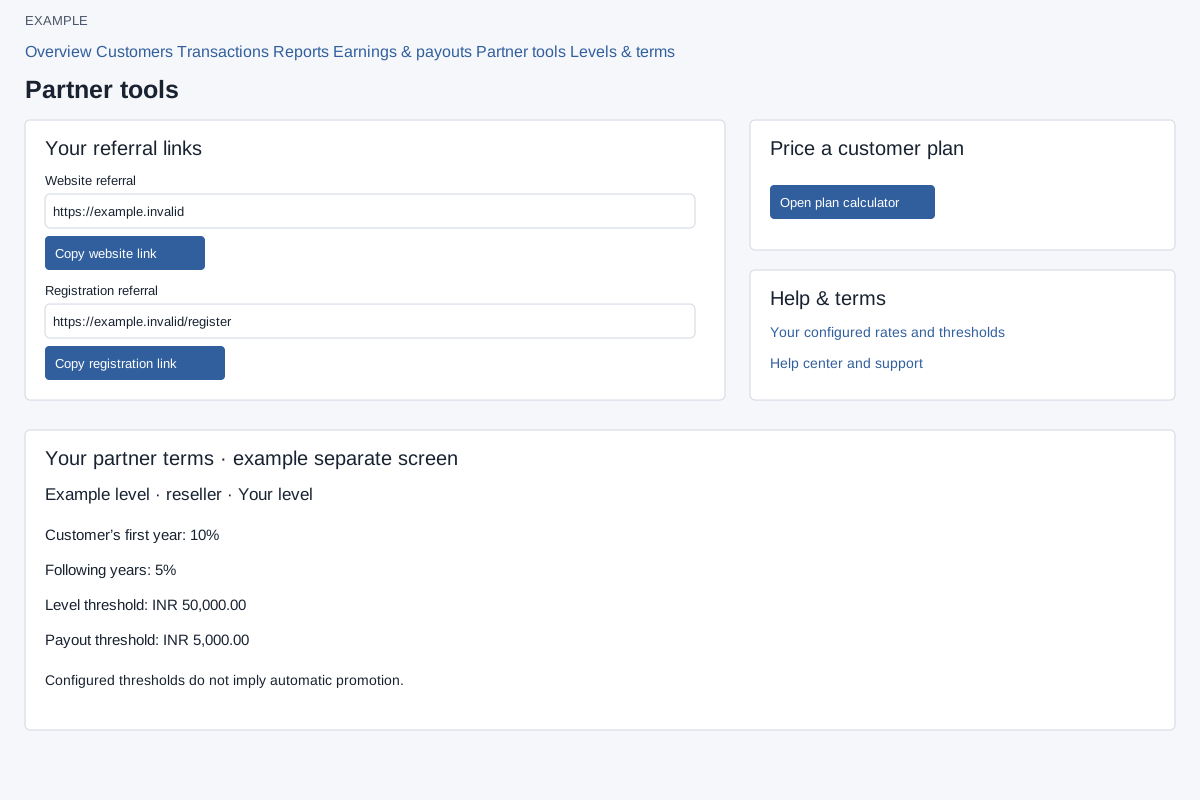
Open Partners → Levels & terms to see configured level name, partner type, customer’s first-year rate, following-years rate, level threshold and payout threshold; the current level is marked. Thresholds do not imply automatic promotion. Check the displayed terms for the company’s currency.
Review the configured terms
- Open Partners → Levels & terms.
- Find the marked current level. Compare its partner type, first-year and following-years rates, level threshold and payout threshold.
- Use these displayed terms when reviewing an earnings payout or customer quote. A level threshold does not promise an automatic promotion.
For copying referral links and opening the calculator, use the separate Partner tools guide. The illustration includes a labeled excerpt of that separate screen.