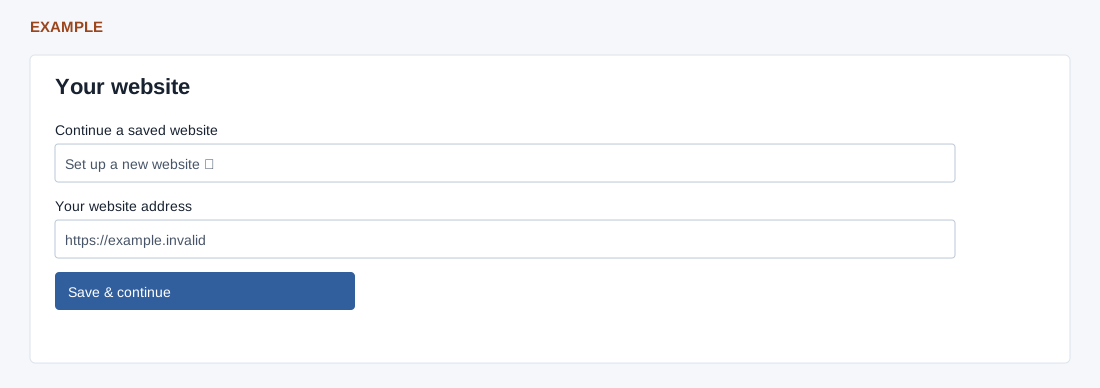
Select Continue a saved website or enter Your website address (required, maximum 1024 characters). The wizard extracts the domain from a homepage or page address; the normalized domain must be at most 120 characters.
Select Save & continue to save the site. A saved site can be resumed; typing a change does not save it until continuing. Confirm the saved domain.
The no-website help opens contact form settings. Use Back or Continue later when appropriate.