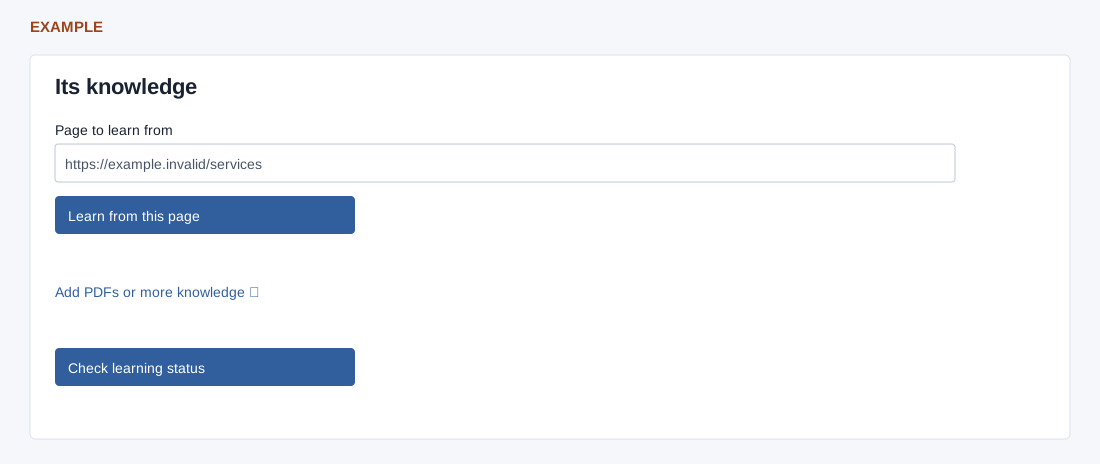
Enter one public page URL on the saved domain (maximum 1024 characters) and choose Learn from this page. This adds one source rather than crawling the site.
Learning runs in the background. Check learning status refreshes it, and pending status is also polled. Add PDFs or more knowledge opens learning settings.
Ready to answer means ACTIVE; Learning in progress is PENDING; Awaiting activation is READY but not yet usable. A failed or reupload-required source needs attention. Enabling requires at least one active source and learning-management permission.