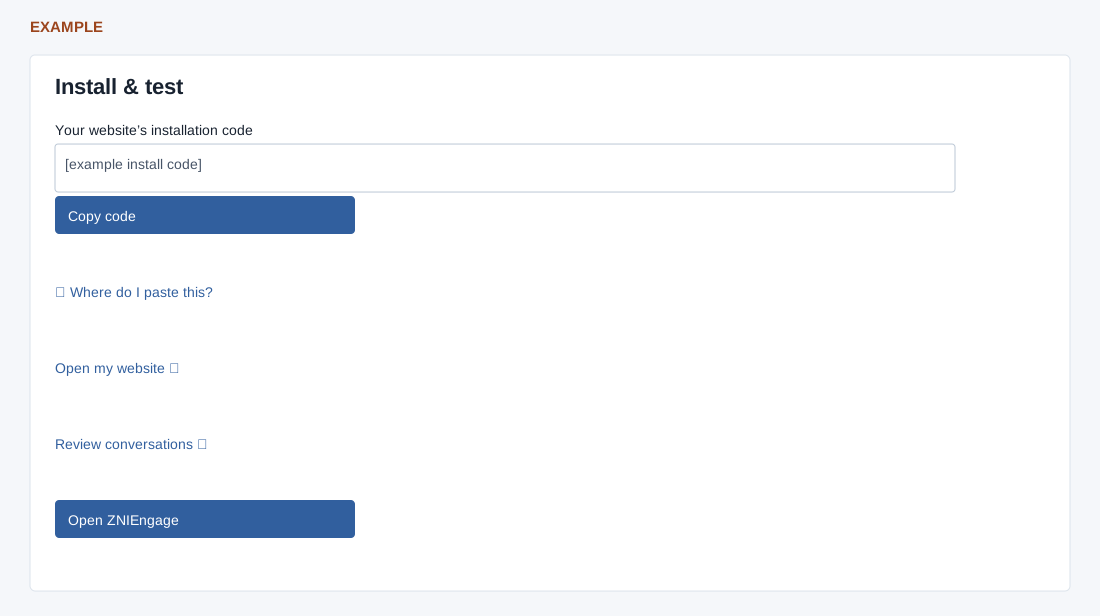
On the preceding step select Enable agent & get install code. This activates the configured agent; it does not install the website code.
Copy code, place one copy before the closing head tag and publish the website. Where do I paste this? explains website-builder choices. If clipboard access fails, select and copy the code manually.
Open my website, ask a knowledge question and a human-handoff question, submit your own test enquiry and verify its CRM owner. Review conversations and the routing, contact form, WhatsApp and widget links open related screens; Open ZNIEngage opens the configured site settings.