Your agent
Use this step
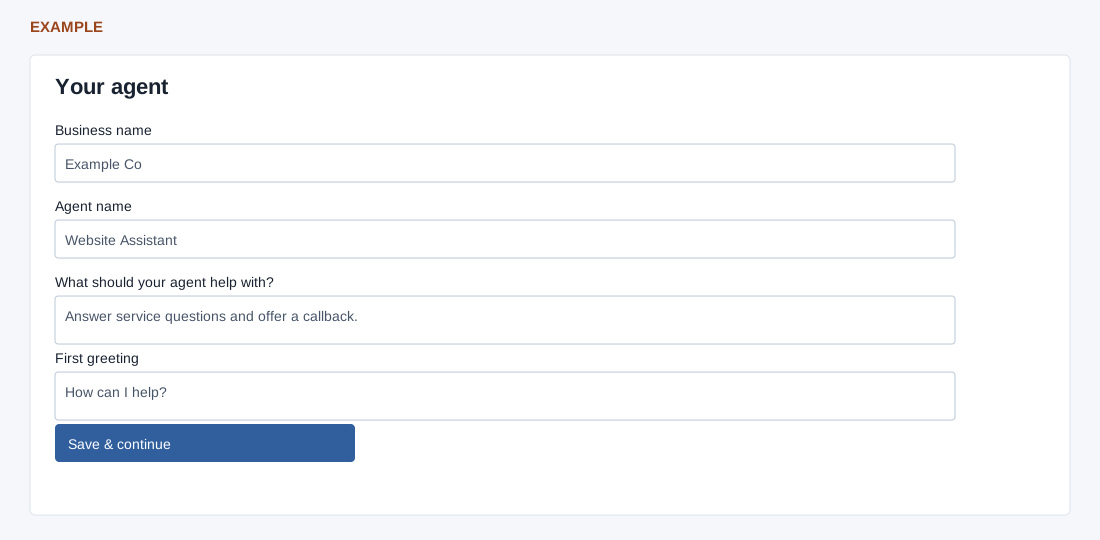
- Enter the required Business name (up to 90 characters), Agent name (45), purpose (240) and First greeting (255).
- Review the greeting preview, which updates as you type and is visual only. Select Save & continue to write agent settings.
- If an agent already exists, the changes affect that agent and other channels using it. Reopen the saved site and check the values after saving.