Authorize Slack
Connect Slack for notifications to the channel approved in its provider flow.
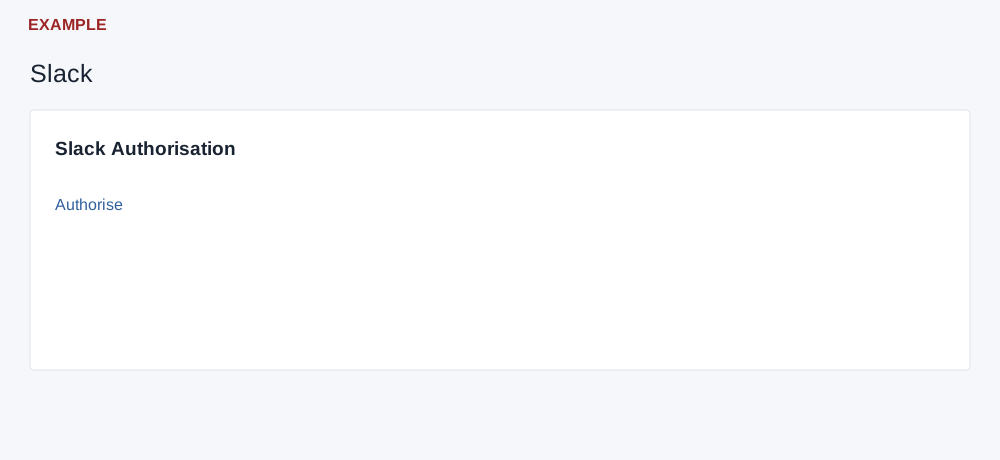
Authorize a channel
Sign in as the CRM user who should receive notifications and have access to the intended Slack workspace and channel. Open View Profile → Integration → Slack.
- Select Authorise Slack, or Reauthorise Slack if shown. On the standalone Slack Authorisation page, select Authorise when offered.
- Complete the provider's approval flow and return to CRM. A return with a code exchanges it and attempts to save the access and approved channel for the current user.
- The page displays success without checking the provider response or save result. Verify notification delivery through an authorized workflow before relying on it.
If notifications do not arrive
Check the approved workspace and channel, the relevant notification workflow and the signed-in CRM user; reauthorize if appropriate. Contact support if the return or delivery fails. A code callback performs exchange on load. See personal connections and the authorization overview.