JustDial lead integration
Provide a JustDial webhook endpoint so enquiries can enter the CRM.
Prepare the endpoint
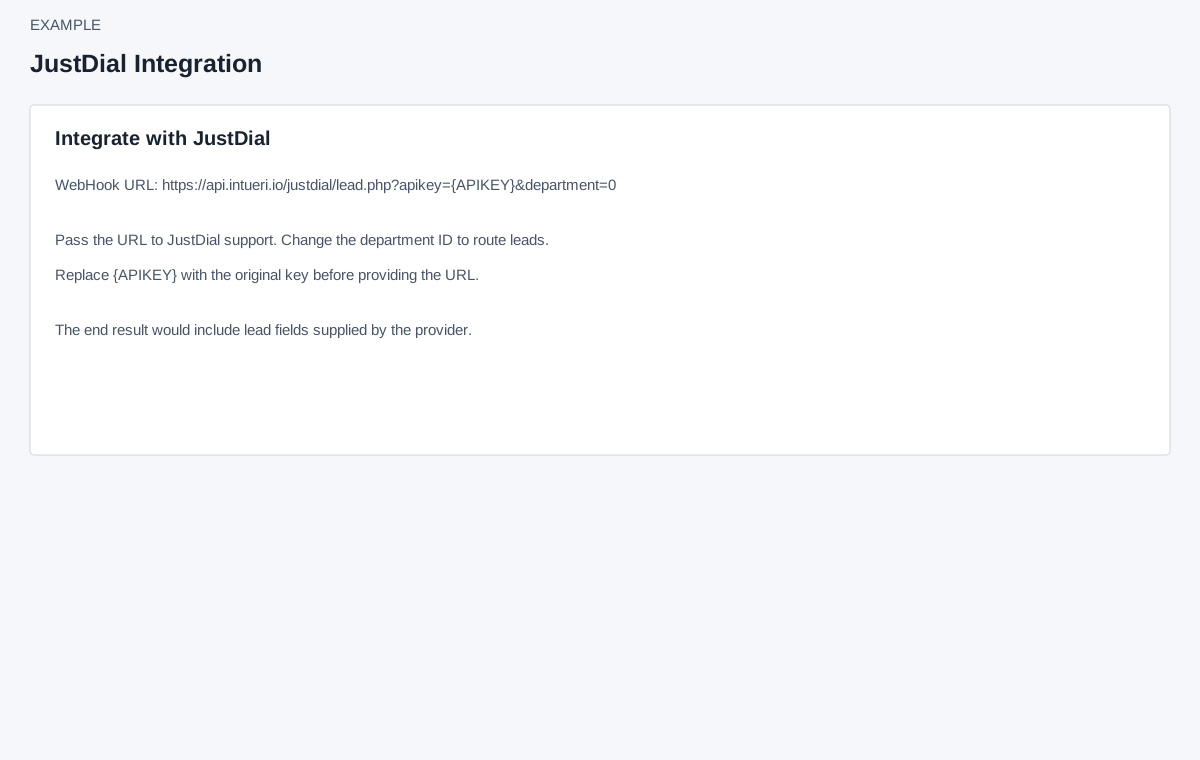
Account Settings → Integrations → JustDial requires ADMIN and Standard Integration access. The page displays a WebHook URL containing {APIKEY} and department=0. Follow the API Keys link to obtain the appropriate CRM key and substitute it for the placeholder. The page instructs you to provide the resulting URL to JustDial support and change the department ID if routing to a specific department. Protect the full URL as a credential.
Verify and recover
There is no department dropdown, Save, test or sync control on this screen. The longer sample URL illustrates leadid, leadtype, prefix, name, mobile, phone, email, date, category, area, city, brancharea, dncmobile, dncphone, company, pincode, time, branchpin and parentid parameters. It is an example rather than an editable form or a guarantee that every field is required; use current provider instructions for the actual integration. After authorized setup, verify a controlled enquiry and its CRM assignment; if missing, check the credential, department and provider delivery details. Lead Routing can affect assignment.