Authorize Calendly
Connect Calendly to your CRM user so new events can be synchronized.
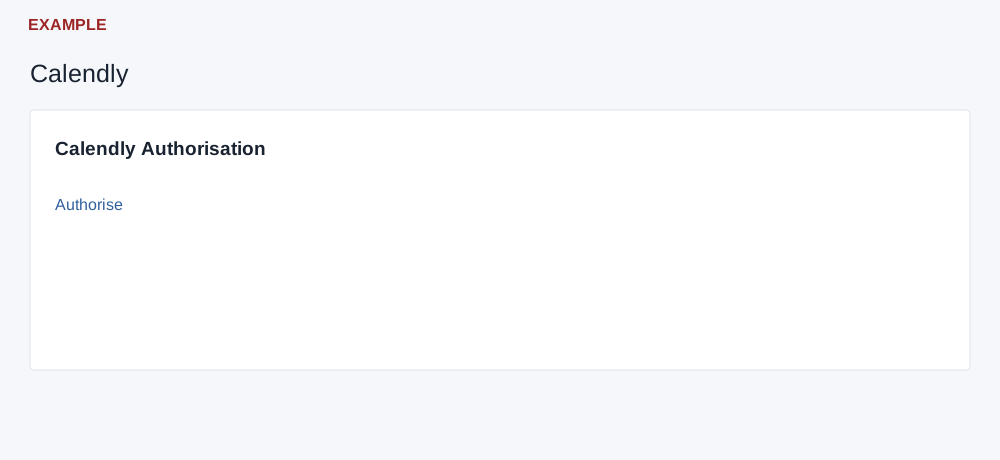
Authorize your account
Sign in as the CRM user who should receive event details and have access to the intended Calendly account. From the account menu open View Profile → Integration → Calendly.
- Select Authorise. The Calendly authorization page itself also offers an Authorise link before a callback.
- Follow the provider's consent and return flow. A return containing a code exchanges it and attempts to subscribe a webhook for the current CRM user.
- Read the return message. Success indicates that a token was returned; the page does not check whether the webhook subscription succeeded. Verify a suitable event through an authorized operational workflow before relying on synchronization.
If authorization fails
Read the displayed error, check the intended provider account and retry later or contact support. A callback with a code triggers the exchange on load, so avoid reopening it just to inspect it. Do not share callback URLs or credentials. See personal connections and the authorization overview.