Departments and membership
Availability depends on your account configuration and permissions.
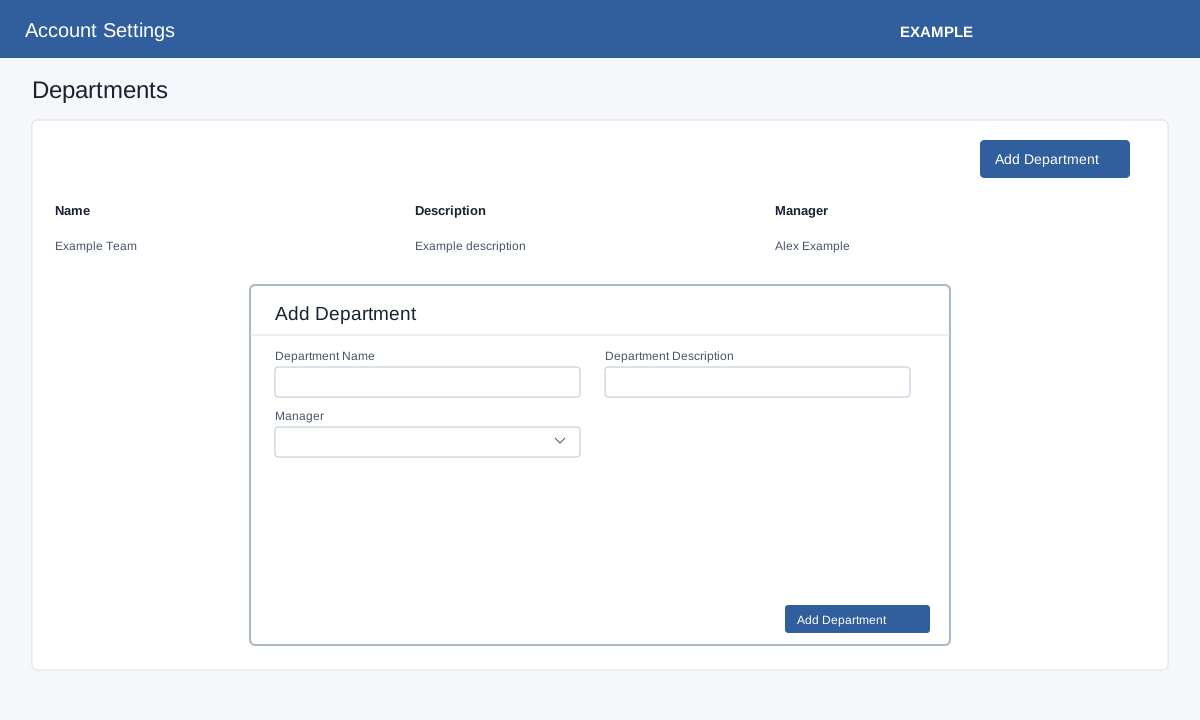
Open Account Settings → Departments as an administrator. Add Department opens the name, description and manager form. Enter the name and description, select a manager and submit; verify the reloaded list. Edit controls change name, description or manager; Delete asks for confirmation. Select a department name to open Department Details.
Select a department to open Department Details and membership.