Shared escalation reporting
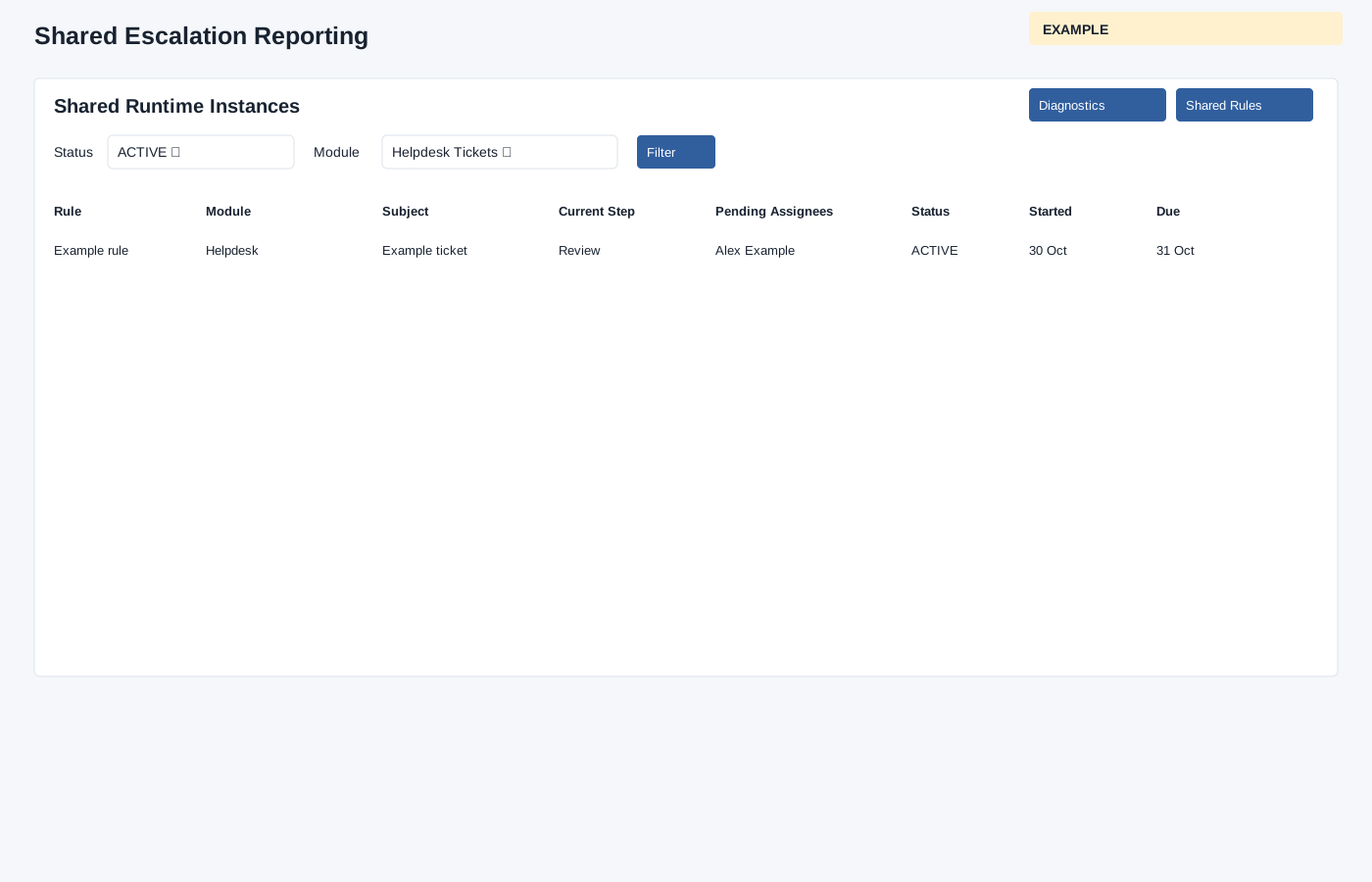
Review recorded shared escalation instances across modules.
As an administrator, open Account Settings → Escalations → Shared Reporting, or choose Reporting from Shared Rules. Select Status All, ACTIVE, WAITING, APPROVED, REJECTED, CANCELLED or EXPIRED and Module All, Custom Forms, Helpdesk Tickets, Follow-up Intelligence or Checklists, then choose Filter. The report loads up to 300 instances. The Shared Runtime Instances table shows Rule, Module, Subject, Current Step, Pending Assignees, Status, Started and Due; open a subject link to inspect the associated record.
If an expected row is missing, clear filters, confirm scope and the 300-row limit. For pending or stale activity, use Shared escalation diagnostics and inspect the linked rule and binding.