Shared escalation diagnostics and reporting
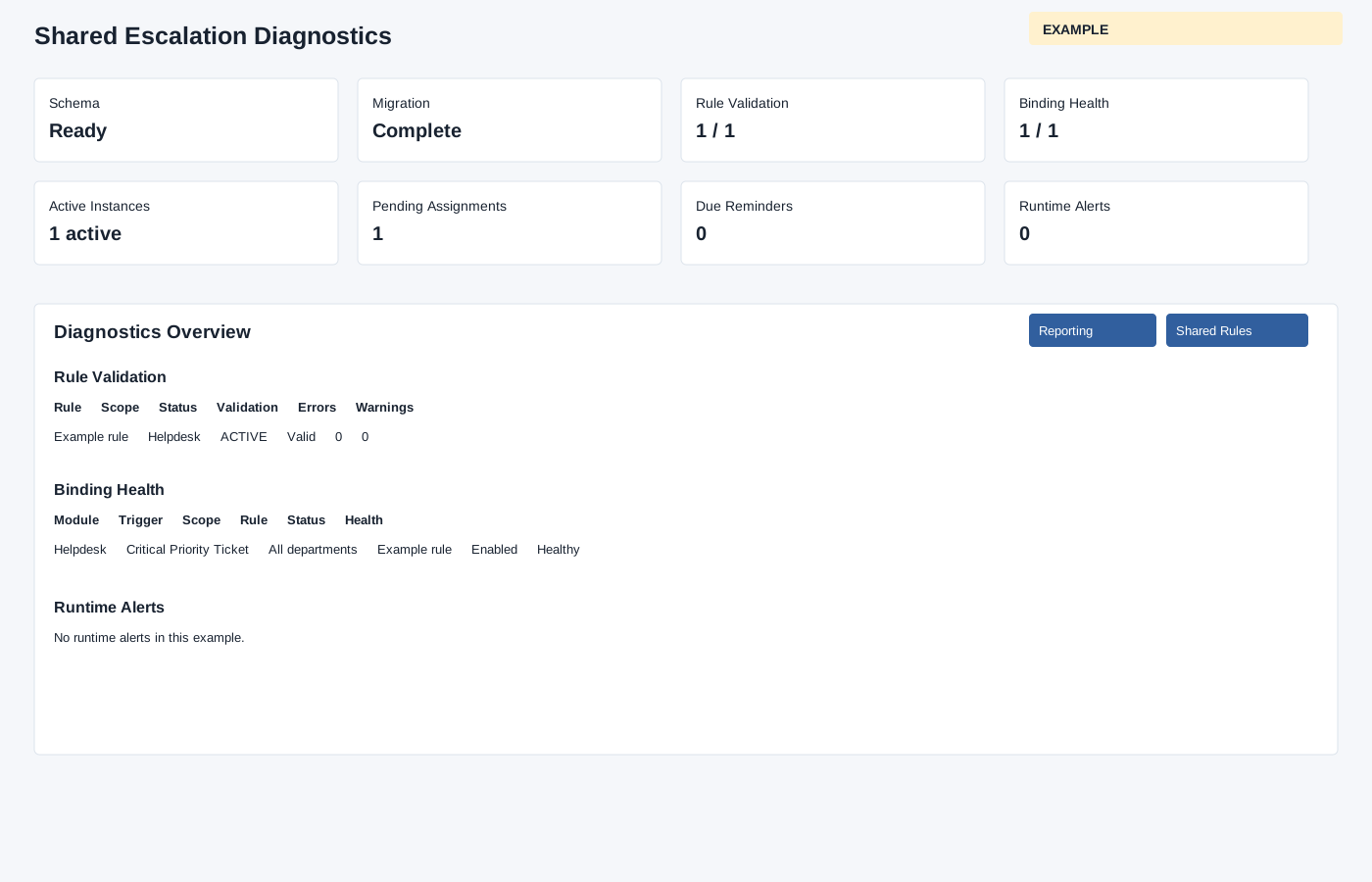
Inspect shared escalation readiness and the instances created by connected modules.
Diagnostics
Open Account Settings → Escalations → Shared Rules → Diagnostics. The administrator page loads up to 100 runtime alerts. Review setup readiness, rule validation, binding health, active instances, pending assignments, due reminders and stale-instance or assignment alerts. The overview links rules and subjects for investigation. The rule table lists validation errors and warnings; binding diagnostics lists module, trigger, scope, rule, status, health and details; runtime alerts show type, subject, status, details and date. Select a rule or subject link for context. Correct rule graph or binding issues in the linked shared rule, then return to check the counters.
Use Shared escalation reporting to filter runtime instances.