Engage Visit Details
Open and filter
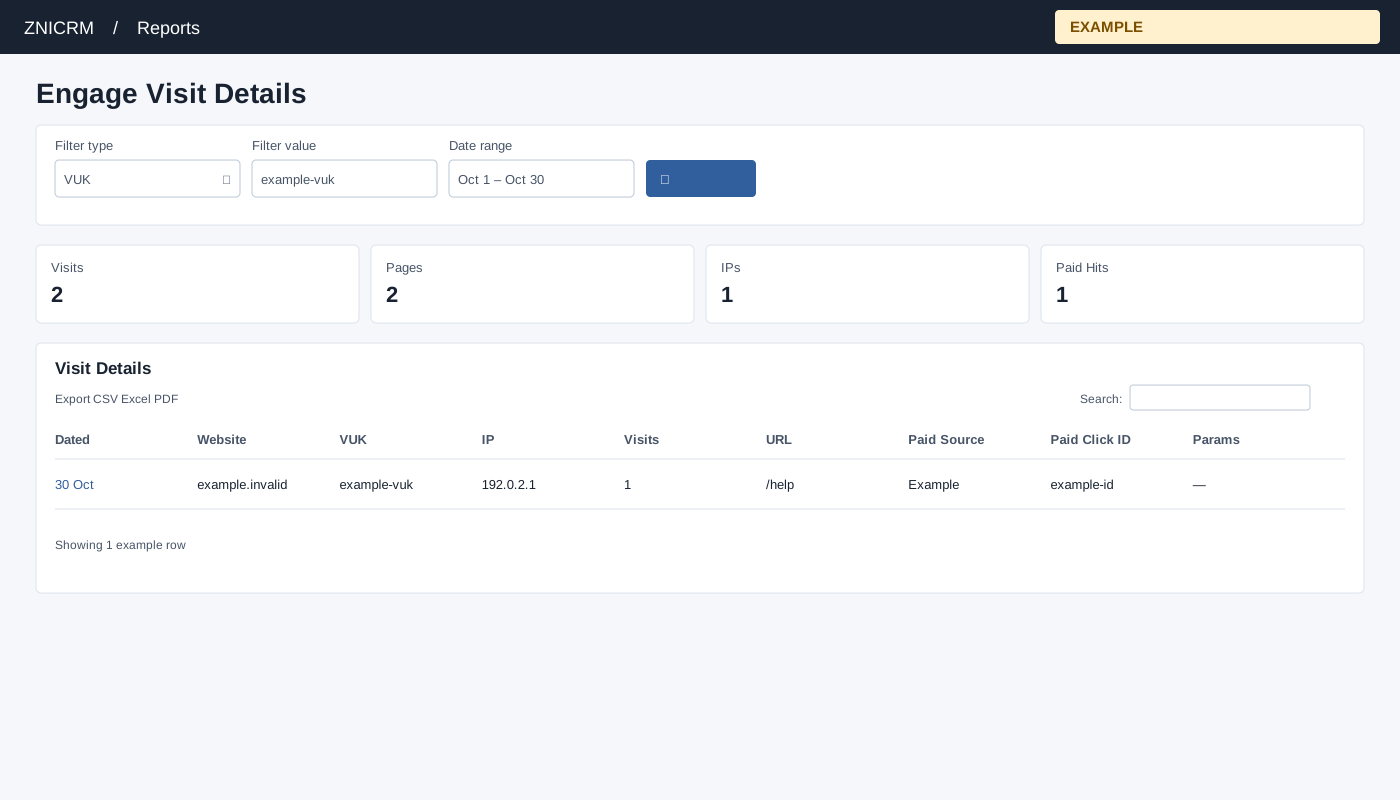
Open Reports → Engage Visit Details. CRM access is required, and only linked Engage domains are queried. Choose VUK, Enter VUK or IP, Date range and select the search button to apply. The usual initial range is 30 days before today through today.
Read and use the report
Columns: Dated, Website, VUK, IP, Visits, URL, Paid Source, Paid Click ID, Params. Select VUK or IP, enter the identifier, select a date range and search. Rows come from linked Engage websites and are capped at 10,000. Cards show Visits as the number of returned rows, distinct Pages, distinct IPs (or VUKs when filtering IP), and Paid Hits. These are stored hit records, with the recorded Visits field and parameters; a row need not be a distinct person.
Use table search and sortable headings to narrow or order the loaded rows; CSV, Excel and PDF export matching loaded rows across pages. These controls do not fetch records beyond the report’s source limit. If the enhanced table does not load, the original table controls can differ.
Example and verification
Select VUK and enter example-vuk, then inspect its URLs and timestamps for the chosen range. If empty, confirm the identifier and linked domain; the report returns at most 10,000 hit records.