Engage CPC Conversions
Open and filter
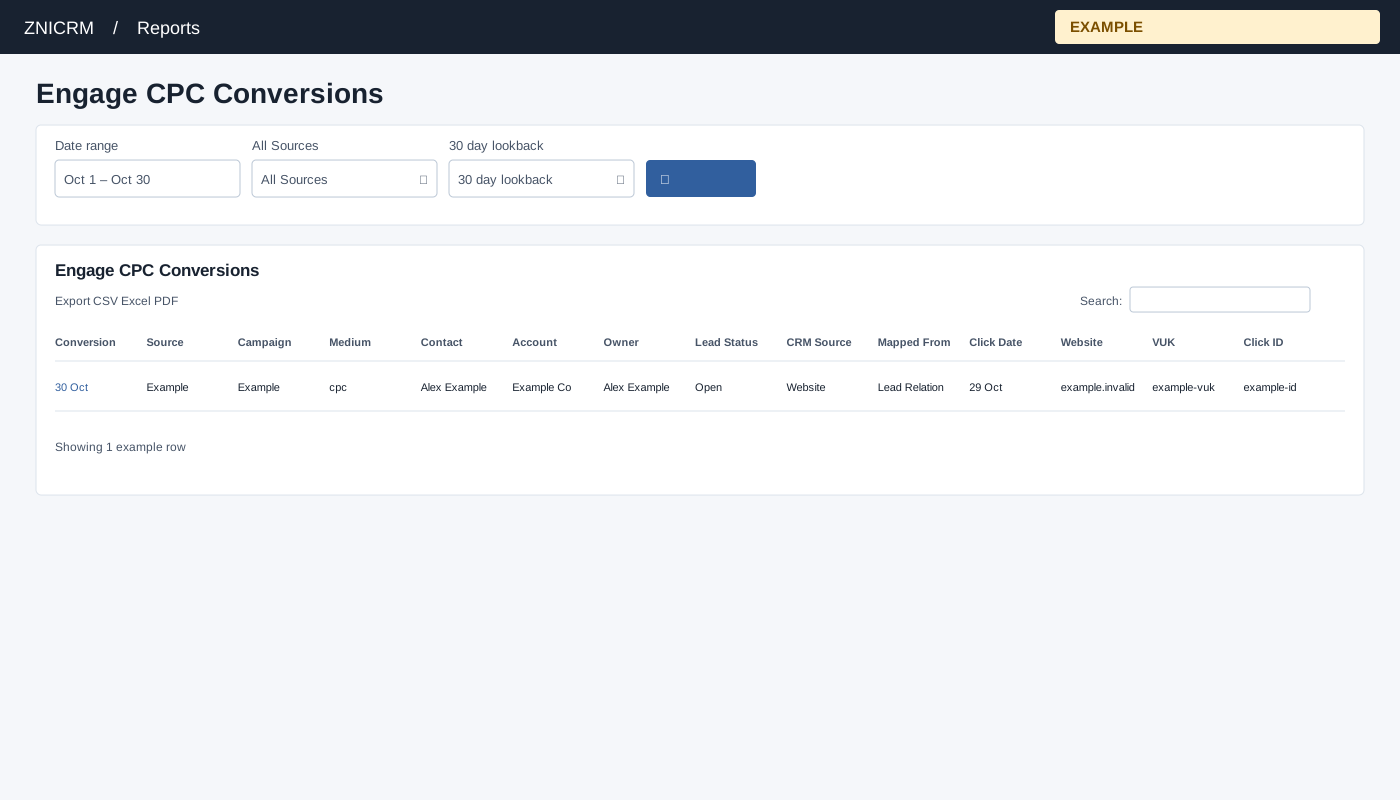
Open Reports → Engage CPC Conversions. CRM access is required, and only linked Engage domains are queried. Choose Date range, All Sources, 30 day lookback and select the search button to apply. The usual initial range is 30 days before today through today.
Read and use the report
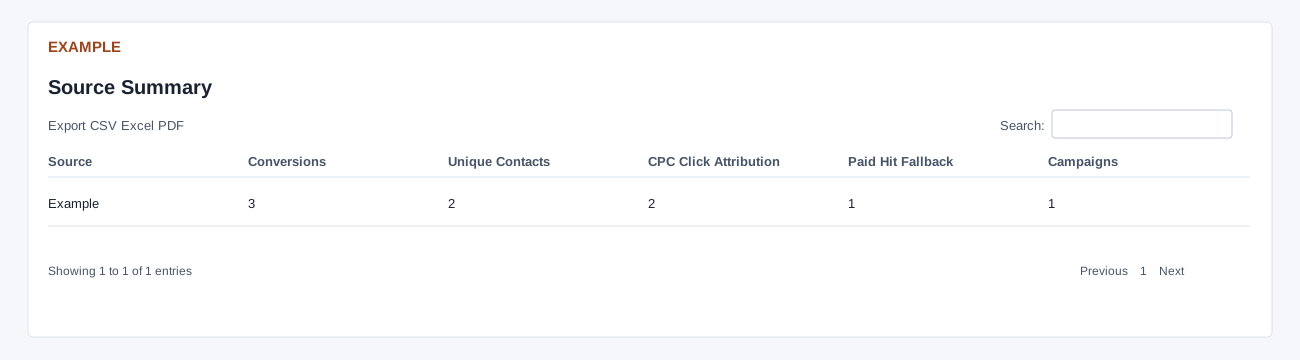
Columns: Conversion, Source, Campaign, Medium, Contact, Account, Owner, Lead Status, CRM Source, Mapped From, Click Date, Website, VUK, Click ID. Select dates, source and a 7, 14, 30, 60, 90 or 180 day lookback. The report fetches up to 5,000 conversion mappings and up to 5,000 each of CPC and paid footprint records. It tries a qualifying CPC record first and a paid hit fallback second; conversions with no attribution are omitted. Lead Relation records and Engage Chat mappings are combined by contact and VUK; a lead relation takes precedence when the same pair is also present in chat. CPC candidates are ordered newest first, and their date is compared as end of day against conversion time; this can exclude a click on the conversion day. Paid footprints use their recorded timestamp. Source Summary shows Source, Conversions, Unique Contacts, CPC Click Attribution, Paid Hit Fallback and Campaigns. CPC Click Attribution counts attributed conversion mappings, not unique clicks or spend; the report does not calculate cost per click or a currency amount. A contact or click can appear in multiple mapping rows, so do not treat these counts as unique people or a conversion rate. Lookback starts before the report start date, so it is a shared window, not necessarily a per-conversion rolling interval. Contact and VUK link to CRM and visit details.
Use table search and sortable headings to narrow or order the loaded rows; CSV, Excel and PDF export matching loaded rows across pages. These controls do not fetch records beyond the report’s source limit. If the enhanced table does not load, the original table controls can differ.
Example and verification
With a 30-day lookback, inspect a attributed conversion and its click date before comparing source totals. Unattributed conversions are omitted; check linked domains, VUK and candidate limits if a contact is missing.