Engage AI Chats
Open and filter
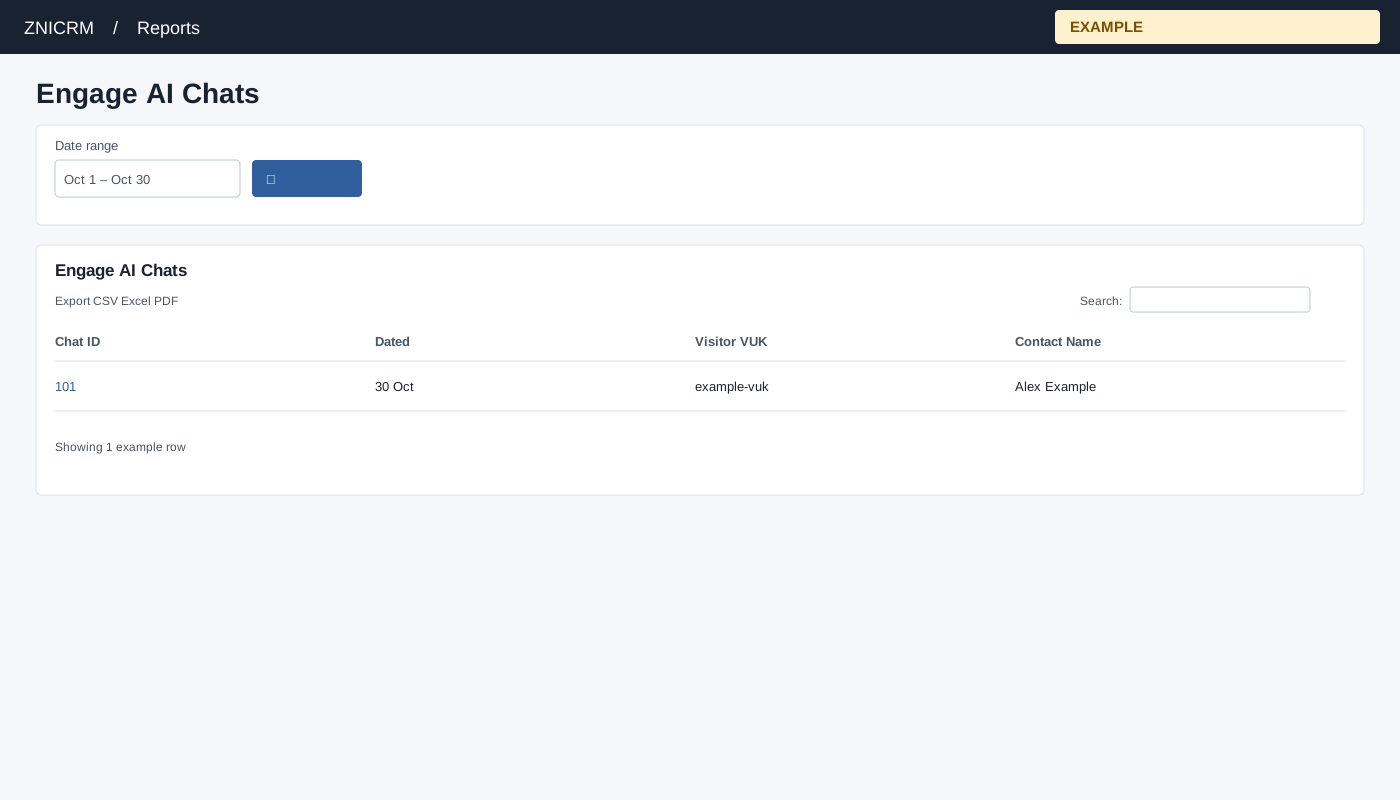
Open Reports → Engage AI Chats. Choose Date range and select the search button to apply. The usual initial range is 30 days before today through today.
Read and use the report
Columns: Chat ID, Dated, Visitor VUK, Contact Name. The list defaults to the previous 30 days through today and is restricted to ADMIN by the page. The list is limited to 100 sessions, ordered by session ID descending. Select Chat ID for messages, Visitor VUK for visit details, or Contact Name for its CRM conversation when linked.
Use table search and sortable headings to narrow or order the loaded rows; CSV, Excel and PDF export matching loaded rows across pages. These controls do not fetch records beyond the report’s source limit. If the enhanced table does not load, the original table controls can differ.
Example and verification
Open a Chat ID to read its messages, or select its VUK to inspect visit details. Check administrator access and the 100-session cap if an expected chat is absent.