Engage AI Chat messages
Open and filter
Open Reports → Engage AI Chat messages. Open a chat from the chat list.
Read and use the report
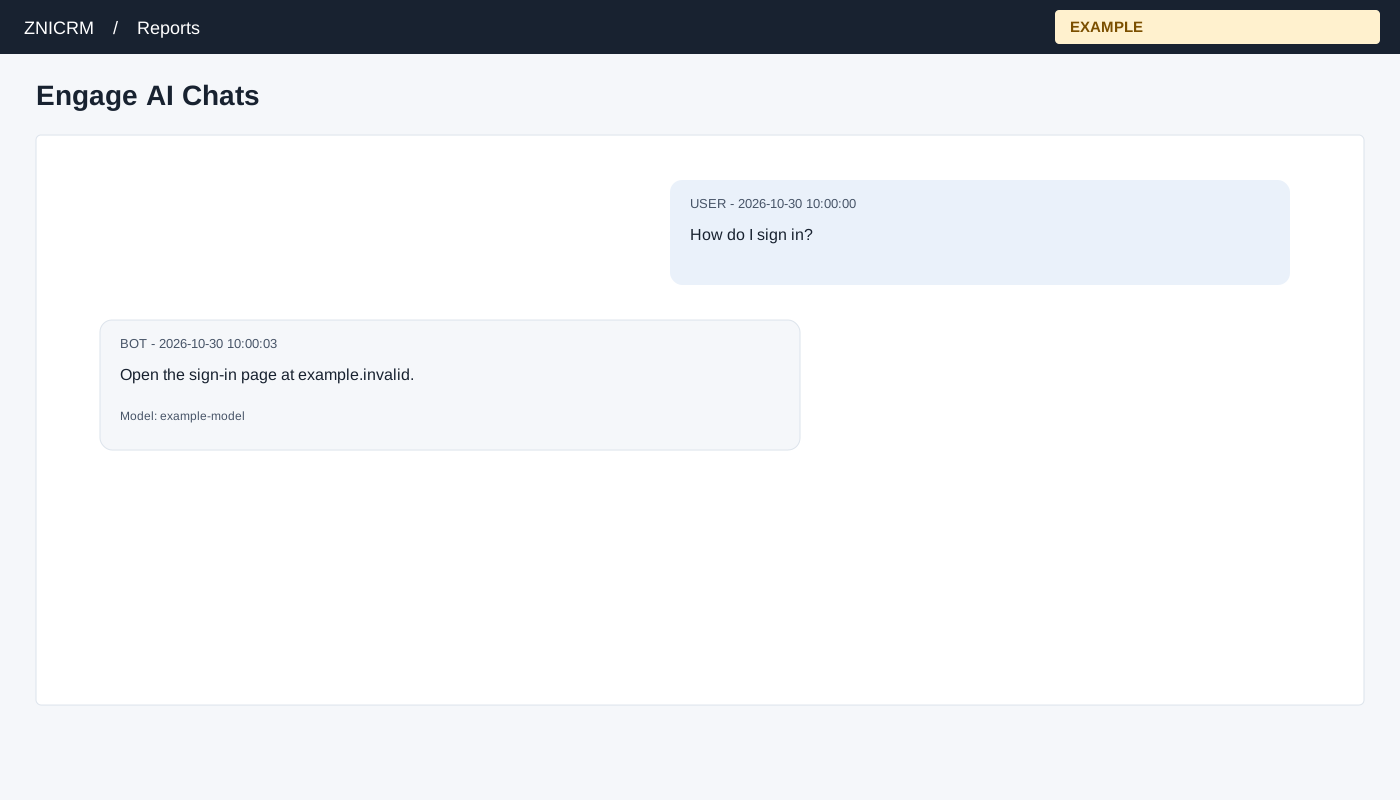
Open Chat ID from Engage AI Chats. The page validates that the session belongs to the company. Messages are shown oldest first, up to 100, with sender, timestamp and text; bot messages may show model, fallback and reasoning metadata. Access to message details can differ from access to the chat list; protect customer conversations accordingly. Session IDs, message text and metadata can be sensitive; share them only with people authorized to review the conversation. A linked contact or visitor identifier is an association, not independent proof of the speaker’s identity.
Example and verification
Read the USER and BOT messages in order and use the timestamp to understand the exchange. If a message is missing, check the session and the 100-message limit.