Project task detail
Controls and availability depend on permissions, plan and version.
Open the page
Contact conversation → Projects → Open Task
Review and update details
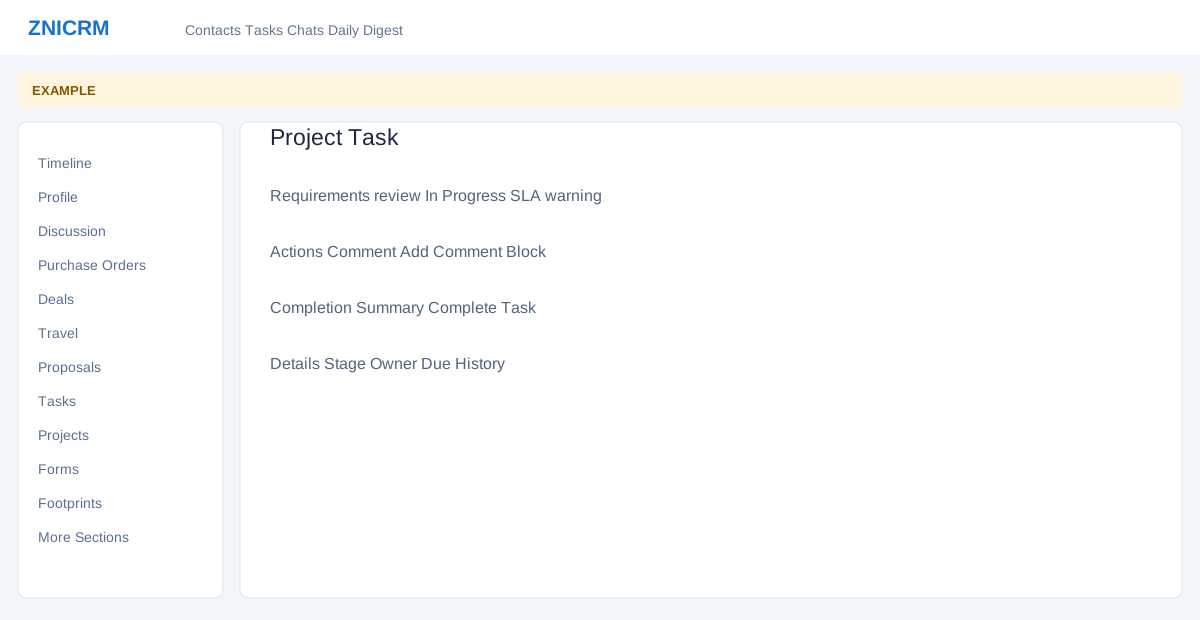
- The task header shows project, stage, status, priority and any SLA warning or breach. Board returns to the project board.
- With the relevant permission, select Title or Description to edit; Details can expose editable Stage, Owner User, Owner Department, Contact and related Deal. The panel also shows Due, SLA Due and Source.
- Review Comments and History to understand the work already completed.
Record progress
- Enter Comment and choose Add Comment; use Block or Unblock where shown to update the state. Enter Completion Summary and choose Complete Task when the work is done and the user has completion permission.
- Example: on a Requirements review task, add a progress comment and record the completion outcome when ready. These controls change the task.
Related: Detailed project task guide