Contact Engage footprints
Controls and availability depend on permissions, plan and version.
Open the page
Contact conversation → Footprints
Review tracked activity
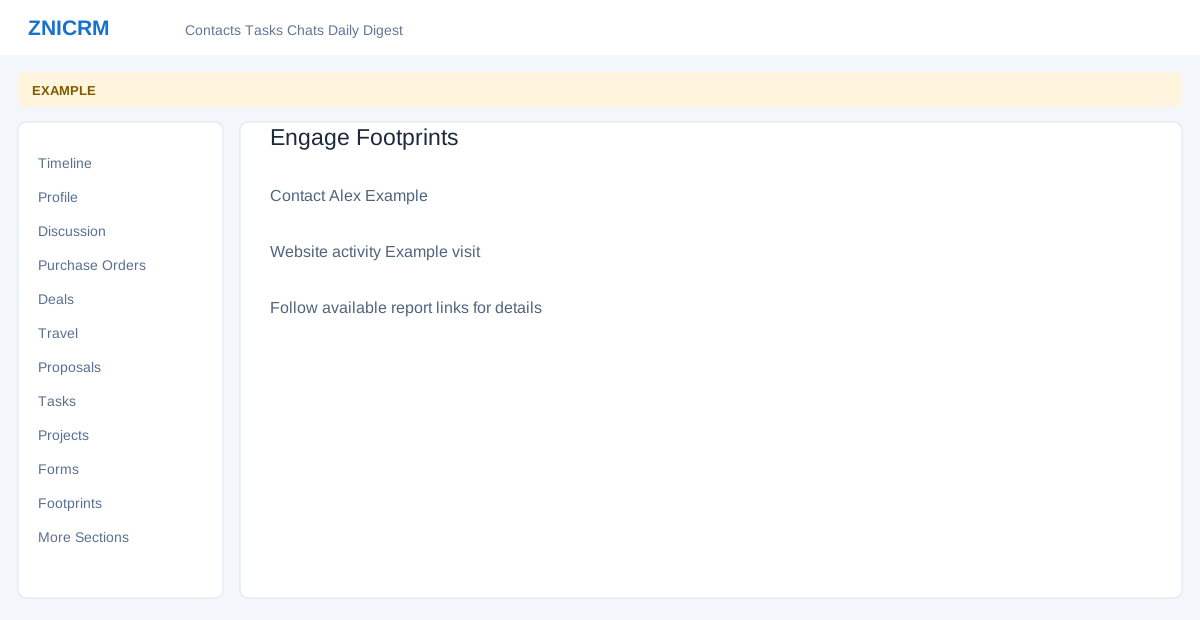
- The Footprints section opens the contact’s Engage footprint report. Review available activity and follow report links for details. Results depend on website tracking and permissions.
- Use the activity as context for a relevant follow-up; tracking may not capture every visit or interaction.