Older subscription cancellation
This older billing screen may be available depending on your account and its terms.
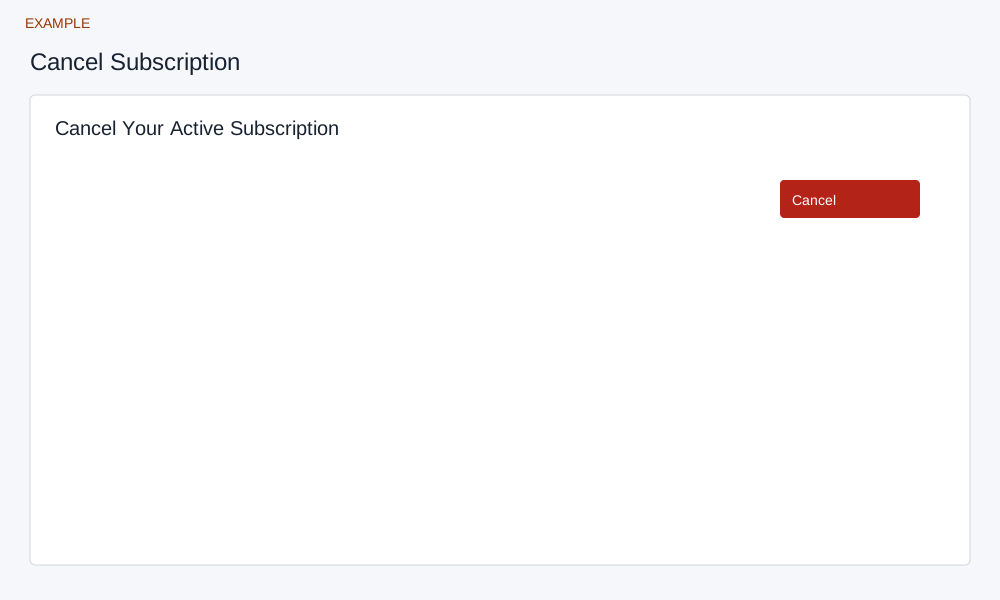
Review and cancel
The older Cancel Subscription page checks for an active Stripe subscription. If cancellation is available, Cancel opens a confirmation. Its warning incorrectly refers to an upgrade and a prorated charge; it does not explain cancellation timing reliably. Check the current subscription terms and use subscription management where available.
Confirming sends a cancellation request; success returns to Billing. If the page reports already cancelled or no active subscription, check the provider and current billing status. When the result is uncertain, verify before retrying. Cancellation requires an administrator and a valid session.