CRM lead sources
Use lead sources to organize Example Co contacts consistently.
Create a source
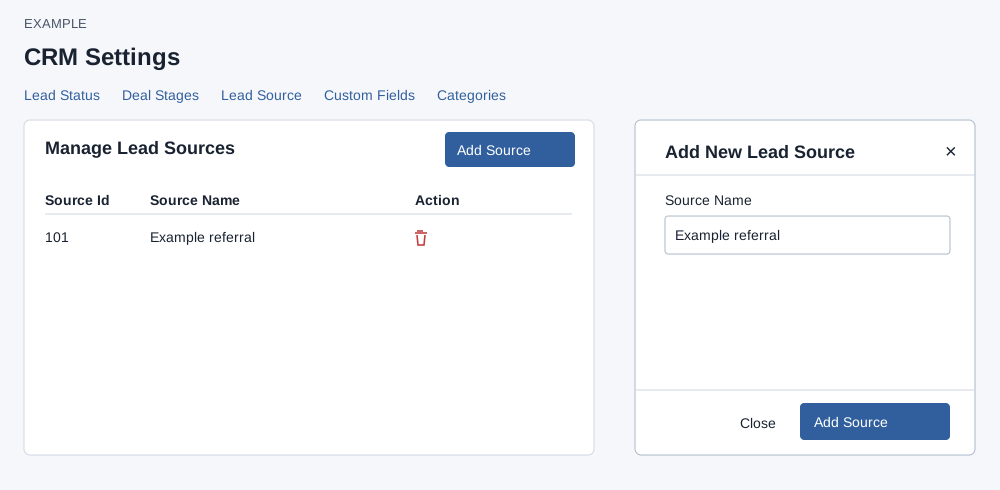
As an administrator, open Account Settings → CRM Settings → Lead Sources. The table lists the ID, name and any available delete action. The source list includes global and company entries; the category list contains company entries. Each list displays at most 100 rows.
- Choose Add Source. Enter Source Name; it cannot be empty.
- Choose Add Source to save, or Close or × to dismiss. On success a temporary “Updating...” row appears. Reload to verify the saved ID and available action; the temporary row has no delete control.
Remove an unused source
Choose its delete icon and confirm “Yes, delete it!”; cancel leaves it unchanged. Global sources have no delete button. A company source is deactivated only if no contacts or active saved filters reference it. The error names the number of contact and saved-filter references where found. Review and remove those references, reload and retry. A failed request leaves the displayed row; check the message and administrator access before retrying.