Travel template library and playbook
Availability depends on your account configuration and permissions.
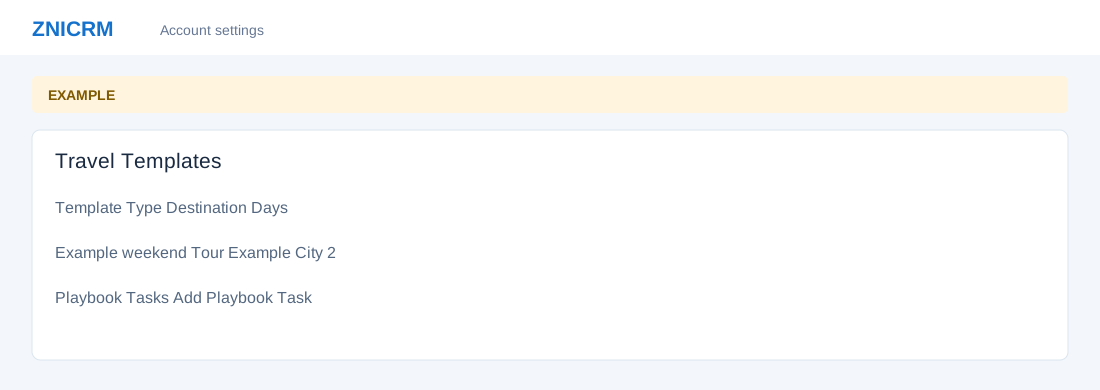
Open the page
Travel Settings → Open Travel Templates. Administrator permissions may be required.
Find or save a template
- Filter the Template Library by Type and Search, then Apply. Review Template, Type, Destination, Days, Playbook and Updated.
- Choose Save Itinerary As Template; select Source Itinerary, enter Template Name, Type, Pricing, Destination and Traveler Profile, then Save. This creates a reusable record.
Apply and manage the playbook
- To apply a template, enter itinerary title, start date, travelers, currency, pricing and destination; optionally select a contact and CRM Deal ID, then Apply. Applying creates an itinerary.
- Select a template to review Playbook Tasks; Add Playbook Task or Edit supports task title, type, priority, day and due offsets and notes. Deleting a template or task changes stored data. Example: a weekend itinerary can include a booking-confirmation task.