Travel product library
Availability depends on your account configuration and permissions.
Open the page
Travel Settings → Open Travel Products. Administrator permissions may be required.
Find a travel product
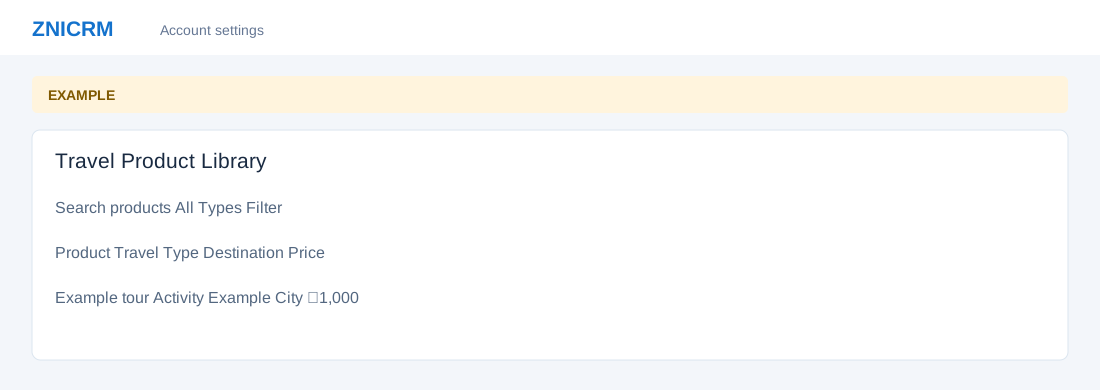
- Enter Search products, choose a travel type and select Filter. Review Product, Item, Travel Type, Destination, Duration, Default Time, Price and Readiness.
- Open the available row action for details or management. Product and pricing edits affect future use; confirm current information before saving.