Travel itinerary list
Availability depends on your account configuration and permissions.
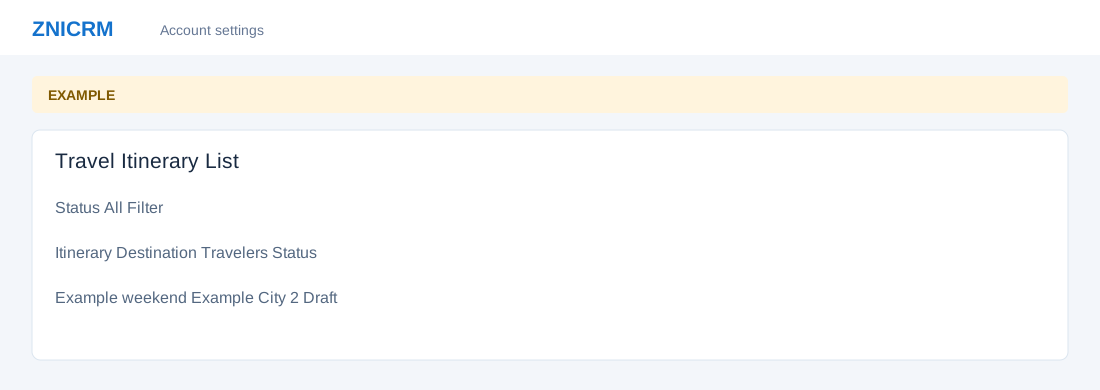
Open the page
Travel Settings → Open Itineraries. Administrator permissions may be required.
Find and review an itinerary
- Choose Status and select Filter. Review Itinerary, Contact, Destination, Dates, Travelers, Budget, Status, Owner and Updated.
- Open the relevant row action to inspect an itinerary. Clone creates another itinerary; use it only when that is intended. An itinerary can contain real contact and pricing data, so sanitize any shared capture.