TradeIndia integration
Configure provider credentials and the department used for TradeIndia enquiries.
Configure
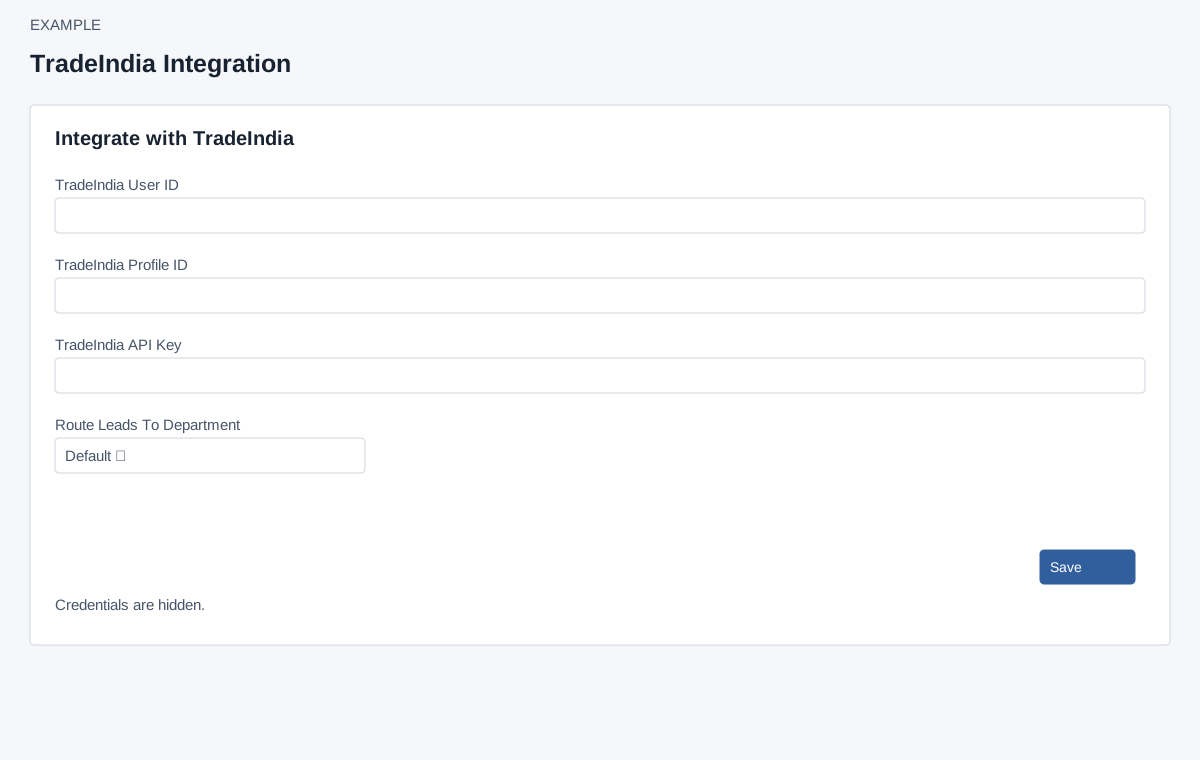
Account Settings → Integrations → TradeIndia requires ADMIN and Standard Integration access. Enter TradeIndia User ID and Profile ID (required numeric identifiers), and TradeIndia API Key (required; the page checks 30–45 characters before sending). Choose Route Leads To Department: Default or an available department. Select Save. Select a department belonging to the company and use the provider-issued key. Saving creates or updates the integration. Success reports Integration has been updated. Reopen to check the saved values and route.
- Obtain the User ID, Profile ID and API key from the intended TradeIndia account. Do not substitute a CRM API key.
- Enter both numeric identifiers and the provider-issued key. Select the department that should receive enquiries, or Default for the default route.
- Select Save once and read the result. If the connection fails or times out, reopen this page before submitting it again.
- Check that the identifiers and route were retained. This confirms configuration storage; it does not prove the next background fetch will succeed.
Verify and recover
If Save fails, check the reported field, credentials and department. The provider fetch runs through a background queue; this page has no manual test, sync, status or visible delete control. Verify a controlled enquiry only when authorized and inspect CRM routing and provider delivery. Never include actual identifiers or keys in shared examples.