Subscription types
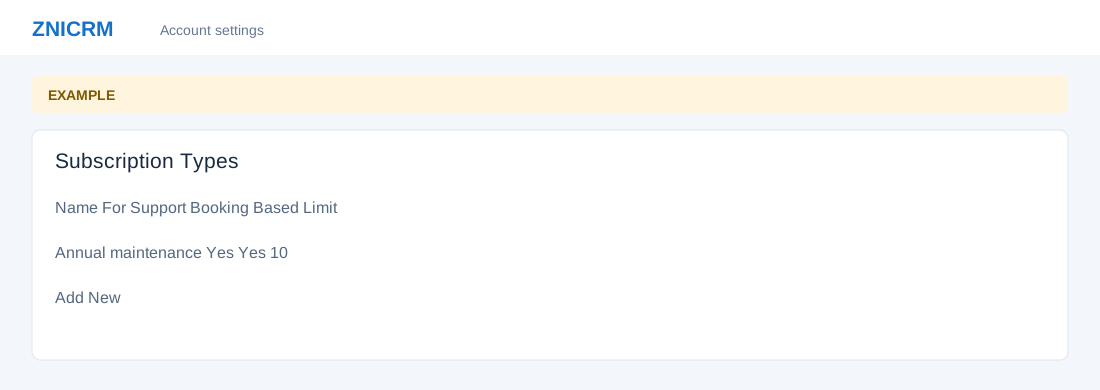
Open the page
Account Settings → Features Settings → Subscriptions. Administrator permissions may be required.
Create a type
- Review the Types table: Name, Description, For Support, Booking Based and Booking Limit per subscription period. Choose Add New.
- Enter Subscription Name and Subscription Description. Choose For Support Billing and Is Booking Based Subscription, then enter Bookings Allowed During Period when applicable. Select Add New to save.
- Example: an Annual maintenance type includes scheduled visits and a booking limit of 10 per period. Verify the type before using it in customer subscriptions.
Review existing types
- Use the row options to manage existing types. Review effects on subscriptions and support billing before editing or deleting a type.